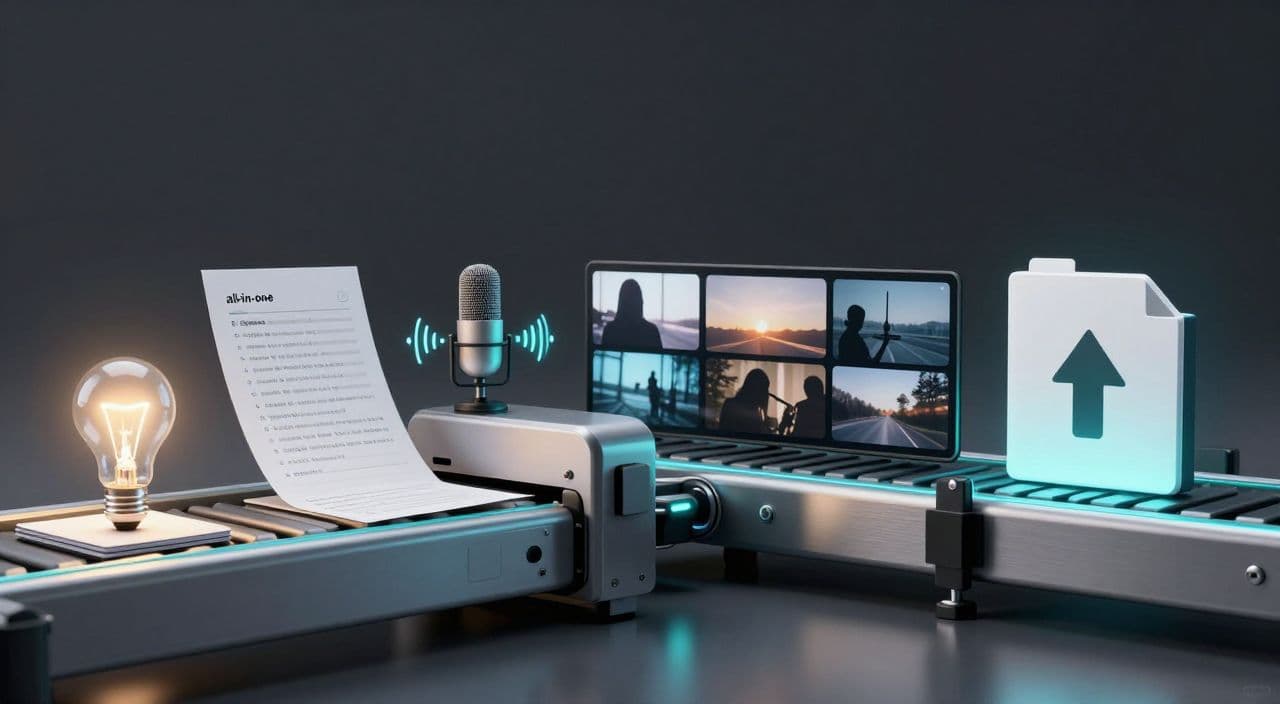
Most “YouTube automation” advice focuses on Shorts, repurposing, or complicated n8n diagrams. If you’re trying to build a serious long-form faceless channel (20-180+ minutes), that’s the wrong game.
Long-form is where the watch time, ad inventory, and durable channels live: sleep videos, documentaries, explainers, AI stories. The real leverage isn’t a single tool; it’s having a simple, repeatable workflow you can run every week without burning out.
Below is a practical, tool-agnostic blueprint you can follow today - then we’ll look at how an all-in-one platform like AutoTube.pro fits into it.
Why Long-Form Faceless Needs Its Own Workflow
Short-form tools are optimized for 30-90 second clips: punchy hooks, fast cuts, vertical format, meme templates. Long-form faceless videos have completely different constraints:
- You need coherent structure for 20-180 minutes, not a clever 10-second hook.
- Voiceover pacing matters more than flashy editing.
- Visuals must be sustainable at scale (you can’t hand-craft 3,000 cuts per video).
- Rendering and file management become real bottlenecks.
If you try to brute-force long-form with a Shorts stack (CapCut templates, random B-roll, “one-click” AI reels), you’ll either burn out or ship low-quality, incoherent content.
The goal is a production system, not a one-off hack.
The 6-Stage Long-Form Automation Workflow
Think in stages. Once you lock in this pipeline, you can plug in whatever tools you want - or replace them later - without rebuilding your whole channel.
1. Niche, Angle, and Video Ideation
Decide once, use many times:
-
Pick a clear lane:
- Sleep: 1-3 hour calming history, myths, science, geography.
- AI documentaries: 20-60 minute deep dives on companies, events, technologies.
- AI explainers: 10-40 minute breakdowns of concepts (AI, finance, psychology).
- AI stories: episodic fiction, horror, sci-fi, romance.
-
Define your “video types”:
For example, a sleep channel might have:- “Boring history” (e.g., The Complete History of Postal Systems)
- “Slow science explainers” (e.g., How Clouds Form, Explained Slowly)
Use any decent AI writing tool to generate 20-50 topic ideas per lane. Your job isn’t to accept them blindly; it’s to curate the ones that fit your audience and monetization goals.
2. Structured Long-Form Script Generation
Long-form scripts are not just “longer blog posts.” They need structure and pacing.
Use this basic template for most formats:
-
Intro (2-5 minutes)
- Set expectations: what this video covers and why it’s worth staying.
- For sleep: explicitly signal calm, slow pace, and no sudden sounds.
-
Chapters / Sections
- Break the main topic into 5-12 sections.
- Each section should feel like a mini-episode with a clear subheading.
-
Retention Loops
- Tease upcoming sections: “Later in this video, we’ll get to…”
- For stories, use soft cliffhangers at section breaks.
-
Outro & Soft CTA
- Summarize and point to the next logical video or playlist.
Workflow tips:
- Outline first, then expand: Prompt AI to create a detailed outline with timestamps/section lengths, then have it draft each section.
- Control tone in the prompt:
- Sleep: “very calm, descriptive, slow, no cliffhangers, no high drama.”
- Documentary: “neutral, informative, slightly cinematic, no slang.”
- Storytelling: “immersive, character-driven, clear scene descriptions.”
You must review and lightly edit every script. Check for factual errors, repetition, and awkward phrasing. Treat AI as your junior writer, not the final authority.
3. AI Voiceover That Matches the Format
Your voice choice and pacing will make or break long-form.
Guidelines:
- Sleep: soft, warm, minimal emotional variation, slower pace.
- Documentary / explainer: neutral, clear diction, moderate pace.
- Stories: more expressive, but still consistent - don’t go full cartoon.
Workflow:
- Generate a short test (1-2 paragraphs) in a few voices.
- Listen on the same device your viewers will use (phone with cheap earbuds).
- Lock in one or two “channel voices” and reuse them for brand consistency.
Important: For long scripts, avoid manually slicing text into dozens of chunks. Use tools that can handle long-form generation or at least batch sections logically (by chapter) so you’re not managing 50 separate audio files per video.
4. Visuals: Sustainable Faceless Assets
Your visuals should be good enough and sustainable, not perfect and fragile.
Per niche:
- Sleep: slow, dark visuals. Think looping night landscapes, space, abstract patterns, or gentle pan/zoom on still images. Fewer cuts, longer clips.
- Documentaries: stock footage (cities, nature, archives), AI-generated stills for abstract concepts, simple maps and diagrams.
- Explain ers: clean slides, diagrams, minimal animations, occasional B-roll.
- Stories: AI-generated scenes or stylized art; reuse visual styles across episodes.
Workflow options:
- Generate a scene list from your script (one visual idea per paragraph or per 30-60 seconds).
- For each scene, decide:
- Stock clip?
- AI image?
- Simple text/graphic?
What kills most creators is manual asset wrangling: downloading from stock sites, renaming files, importing into editors, lining them up with audio. Aim for a system where script → scenes → visuals is semi-automated, even if you’re still approving each scene.
5. Assembly and Rendering
Long-form rendering is where many “fun” projects go to die.
If you’re using a traditional editor:
- Keep your timeline simple: one main video track, one audio track, maybe a subtle overlay.
- Render to standard 1080p, 24/25/30 fps, H.264 MP4.
- Expect long export times and occasional crashes on 1-3 hour projects; save versions often.
Your target is a workflow where assembly is predictable:
- Import voiceover.
- Drop in visuals aligned to your scene list.
- Add minimal transitions and background music (very low volume, especially for sleep).
- Render once, review, then do a final export.
6. Thumbnails and Upload Prep
Even for automated channels, thumbnails and titles are not optional.
- For long-form, think “Netflix tile”: clear subject, bold title text, recognisable style.
- Keep a thumbnail system:
- Same font and color palette.
- 2-3 layout templates you reuse.
- One recognizable visual element (frame, logo, icon).
Don’t overcomplicate: a clean, consistent thumbnail style beats a new design experiment every upload.
Example Blueprints by Niche
Use the same 6-stage skeleton, tweak the knobs:
-
Sleep (2-hour “boring history” video)
- Script: ultra-calm narration of an uneventful topic, no cliffhangers.
- Voice: soft, slow.
- Visuals: dark, minimal movement, very few cuts.
-
AI documentary (40-minute tech company deep dive)
- Script: intro hook, 6-8 chapters, light storytelling, clear takeaways.
- Voice: neutral, confident.
- Visuals: stock B-roll, product screenshots, AI diagrams.
-
AI storytelling (25-minute horror episode)
- Script: 3-act structure, character arcs, gentle cliffhangers.
- Voice: expressive but not theatrical.
- Visuals: stylized AI art, recurring character designs.
Once you’ve run each once, you can batch: ideate 5 topics, write 5 scripts, then produce 5 videos in a row.
How AutoTube.pro Fits Into This Workflow
You can wire this system together with 6-10 different tools - or you can use something opinionated that already matches this pipeline.
AutoTube.pro is built specifically for long-form faceless YouTube, from 5 minutes up to 3 hours. It’s not a Shorts repurposer; it’s designed around the exact stages above:
- Ideation & scripting: Generate long-form, structured scripts for sleep content, documentaries, explainers, and stories, with control over tone and target duration.
- AI voiceover: Turn full scripts into voiceovers with multiple voice options and pacing that suits your niche, without slicing everything into tiny chunks.
- Visuals & stock: Create scene-level visuals from your script, mix AI-generated images with integrated stock footage, and keep style/aspect ratio consistent across the whole video.
- Automated rendering: Assemble script, audio, and visuals into a finished 5-180+ minute video without touching a traditional editor or worrying about timeline crashes.
- Thumbnail editor: Design thumbnails in a built-in, Canvas-style drag-and-drop editor, with AI thumbnail suggestions from your title/topic - no need to jump out to Canva or Photoshop.
The core advantage is end-to-end: idea → script → voiceover → visuals → render → thumbnail, all in one place. That makes it easier to scale later (or hand off parts to a VA) because you’re training them on a single, coherent system, not a fragile stack of disconnected apps.
FAQs
Is AI-generated long-form content monetizable on YouTube?
Yes, AI-generated content can be monetized on YouTube as long as it complies with YouTube’s policies and provides original, value-adding content. Focus on unique scripts, real educational or entertainment value, and avoid spammy mass-upload behavior or low-effort duplicates.
Does YouTube penalize AI voiceovers or text-to-speech?
YouTube does not automatically penalize AI voiceovers; what matters is overall content quality and policy compliance. Use natural-sounding voices, avoid misleading or repetitive content, and ensure your videos genuinely help or entertain viewers.
How long should faceless YouTube videos be for good revenue potential?
For most faceless niches, 20-60 minutes is a strong starting range, and sleep or ambient storytelling can stretch to 1-3 hours. Longer videos can accumulate more watch time per viewer and support multiple ad slots, but only if you maintain enough quality to keep people watching.
Is a fully automated channel risky for monetization?
A completely “hands-off” channel is risky because quality and policy compliance can slip without human oversight. Use automation for production (scripts, voiceover, visuals, rendering) but stay in the loop for topic selection, script review, and final approvals.
Do I need to show my face to build a successful long-form channel?
No, you don’t need to show your face; many successful channels are fully faceless. What you do need is consistent output, clear positioning, and content that viewers can watch for long stretches - whether that’s sleep stories, documentaries, or explainers.
If you want to turn this blueprint into a working system without stitching together 10 tools, try building your next long-form faceless video inside AutoTube.pro - from idea to rendered video and thumbnail in one place.