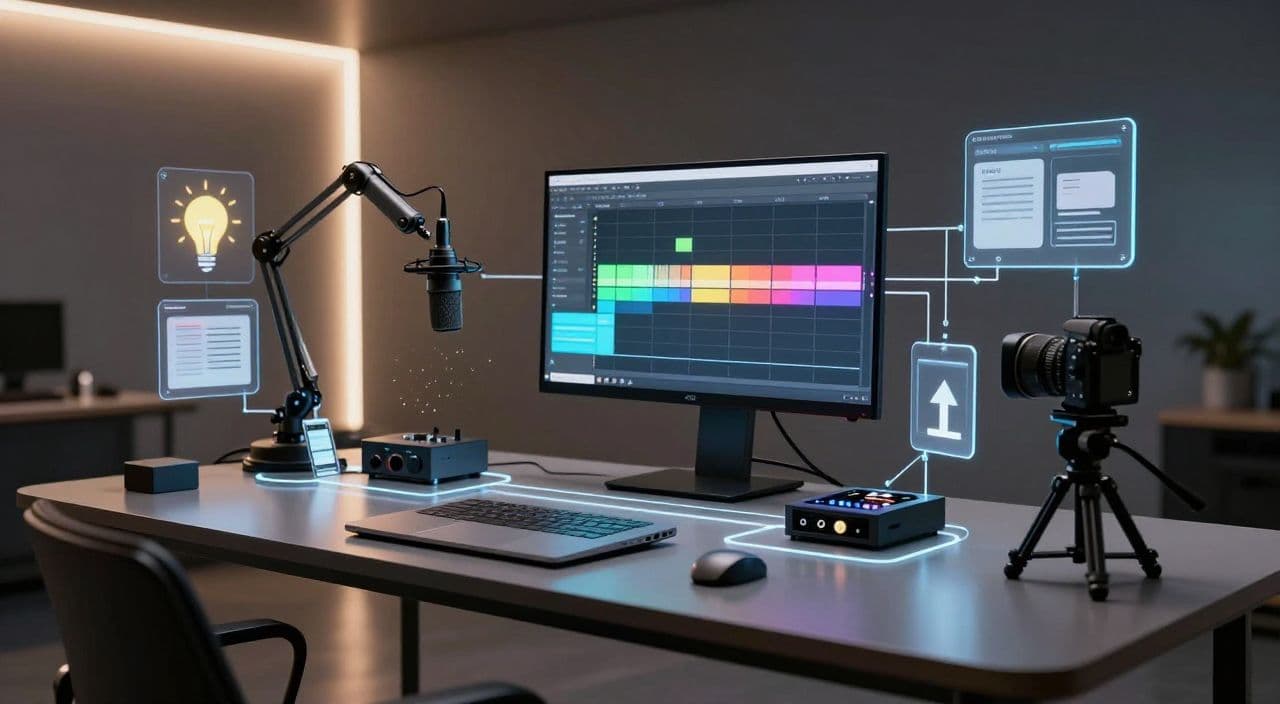
Most creators overcomplicate long-form AI documentaries before they even hit “record.” You don’t need a studio, a team, or 10 tools. You need a clear format, a repeatable production system, and a way to keep your creative energy focused on decisions that actually move the needle: topics, angles, and story.
Below is how I’d set up a one-person AI documentary studio if I were starting from zero today.
Why Long-Form AI Documentaries Are Worth the Effort
Shorts are great for spikes; long-form is where stable channels are built.
With 20-180+ minute videos, you’re stacking watch time, not just views. Sleep narrations, “background” explainers, and deep-dive documentaries get played for long sessions while people sleep, study, or work. That behavior lines up perfectly with how YouTube rewards channels: consistent viewing time and session duration.
As a solo creator, long-form also lets you reuse systems. One good documentary template can power dozens of episodes across niches like:
- “Dark history” of companies or inventions
- Calm 2-3 hour mythology retellings for sleep
- Science/tech explainers told in simple language
- Business breakdowns and industry documentaries
Your job is not to “make a movie” every time. It’s to design a machine that can reliably output that style of content.
The Traditional Multi-Tool Stack (And Where It Breaks)
Most people start like this:
- Scripts in ChatGPT or another LLM
- Voiceover in a separate TTS app
- Visuals from stock sites plus an AI image tool
- Editing in Premiere/CapCut/DaVinci
- Thumbnails in Canva or Photoshop
It works for a few 10-15 minute videos. Then you try a 60-180 minute documentary and everything cracks:
- You’re juggling 10-15 tabs and export/import cycles.
- One script change means redoing audio and re-cutting timelines.
- Rendering long videos becomes an overnight gamble.
- You can’t easily hand off parts of the process later because nothing is standardized.
The core problem isn’t the tools; it’s the lack of a production system.
Designing Your AI Documentary Production System
Think “assembly line,” not “art project.” Start with three decisions.
1. Choose a Clear Documentary Format
Pick one primary format for the next 20-30 videos:
- History deep dives - chronological, event-driven, lots of archival visuals.
- Business breakdowns - problem → strategy → outcome → lessons.
- Science/tech explainers - concept → background → examples → implications.
- Sleep narrations - slow-paced, low-conflict stories (myths, travelogues, “day in the life in ancient Rome”).
Your format dictates everything: pacing, script structure, voice tone, and how visual-heavy you need to be.
2. Define a Standard Episode Template
Don’t open a blank page. Decide the skeleton once and reuse it.
Example: 45-60 minute documentary
- Hook (2-3 minutes) - the core question or conflict.
- Context (5-10 minutes) - background and key players.
- Act 1 (10-15 minutes) - setup and early events.
- Act 2 (10-15 minutes) - escalation, turning points.
- Act 3 (10-15 minutes) - resolution and consequences.
- Recap & takeaway (3-5 minutes) - what it all means.
Example: 2-3 hour sleep video
- Soft intro - set expectations, very calm tone.
- Repetitive, low-drama segments - e.g., visiting different cities, describing landscapes, retelling myths.
- Gentle outro - signal the end without a jarring shift.
Lock this structure into a template you use for every script.
3. Map Your Pipeline From Idea to Upload
At minimum, your pipeline is:
Idea → Research → Script → Voiceover → Visuals → Assembly → Thumbnail → Upload
Decide which steps are:
- Human-led: choosing topics, angles, fact-checking, final script polish.
- AI-assisted: outlining, drafting sections, generating narration, suggesting visuals.
If you don’t make this decision upfront, you’ll either over-automate (generic, weak content) or under-automate (burnout).
Core Components of a One-Person AI Documentary Studio
Research and Ideation
Use AI to generate topic lists and angles, but you choose what’s worth pursuing.
Workflow:
- Feed AI a niche and style: “dark history of tech companies,” “2-hour calming mythology retellings,” etc.
- Ask for 20 episode ideas plus a 3-5 bullet outline for each.
- Shortlist 3-5 based on: evergreen appeal, uniqueness, and how visual-friendly they are.
Cross-check titles and topics on YouTube manually to see what’s already working.
Script Writing for Long-Form
Don’t ask AI for a 60-minute script in one shot. Break it down:
- Generate an outline based on your episode template.
- Draft section by section (Hook, Context, Act 1, etc.).
- Revise for pacing: shorten tangents, add mini-cliffhangers, avoid info dumps.
- Inject your own POV and fact-check key claims.
AI is great at structure and first drafts; you’re responsible for taste and truth.
Voiceover That Fits the Genre
Pick one voice profile and stick with it so your channel feels consistent.
- Sleep: slow, soft, warm tone, minimal variation.
- History/business: steady, authoritative, not overly dramatic.
- Explainers: conversational, slightly faster, more varied intonation.
Generate the full narration, then spot-check for mispronunciations and awkward phrasing. Re-generate individual lines instead of the whole thing when you make small script tweaks.
Visuals for Documentary Feel (Without Over-Editing)
You don’t need cinematic editing. You need clarity and consistency.
- Use stock footage for real-world scenes (cities, offices, landscapes, historical reenactments).
- Use AI images for abstract ideas, myths, or events without footage.
- Keep motion simple: pan/zoom, crossfades, slow cuts aligned with narration beats.
Map your script into scenes (e.g., one visual every 1-3 sentences) so visuals change often enough to avoid stagnation but not so fast that it feels chaotic.
Rendering and Version Control
Long videos are where sloppy process kills you.
- Lock your script before full voiceover.
- Lock your voiceover before building the full visual timeline.
- Save project versions at key milestones (script v1, audio-locked, visual-locked).
Your goal is to render once per video, not five times because of last-minute fixes.
Building This System With an All-in-One Tool: How AutoTube.pro Fits
You can wire this together with a stack of separate tools, or you can centralize it. One practical option for long-form faceless creators is AutoTube.pro.
AutoTube.pro is built specifically for 5-minute to 3-hour faceless YouTube videos: documentaries, explainers, stories, and sleep content. It covers the full pipeline inside one platform:
- AI ideation and long-form script generation
- AI voiceover with multiple voice options and pacing controls
- AI media/image generation plus stock footage integration
- Scene-based assembly and automated video rendering
- A built-in thumbnail editor with AI thumbnail suggestions
In practice, a solo AI documentary workflow inside AutoTube.pro looks like this:
- Set up a series template - define your niche (“dark history of tech,” “ancient myths for sleep”), target length, and episode structure.
- Generate and refine scripts - use AI to draft, then manually tweak hooks, pacing, and accuracy.
- Create a consistent voiceover - pick a voice and speed preset for your series, generate narration, and fix lines that sound off.
- Attach visuals per scene - let AutoTube.pro suggest visuals, mix AI-generated images with stock footage, and keep transitions simple.
- Render long videos reliably - queue 60-180+ minute renders while you outline the next episode.
- Design thumbnails without leaving - use the Canvas-style thumbnail editor and AI suggestions to build and save thumbnail templates, no separate Canva/Photoshop needed.
Because everything lives in one place, you can treat each new video as “run the template again” instead of rebuilding a workflow from scratch.
FAQ: One-Person AI Documentary Studio
Is AI-generated documentary content monetizable on YouTube?
Yes, AI-generated content can be monetized as long as it follows YouTube’s policies on originality, reuse, and advertiser-friendly content. Focus on adding unique value through your topic choices, structure, and commentary rather than just stitching together generic AI output.
Does YouTube penalize AI voiceovers?
YouTube does not automatically penalize AI voiceovers; it cares more about viewer experience and policy compliance. If your narration is clear, natural-sounding, and supports engaging content, AI voice is acceptable for monetization.
How long should faceless YouTube documentaries be?
For faceless documentaries and sleep-style videos, 20-180+ minutes can work well because they accumulate watch time and background viewing. Start around 30-60 minutes to learn your workflow, then test longer runtimes once you can reliably produce and render them.
Can I run a documentary channel solo without burning out?
You can if you treat it like a system, not a hobby project. Standardize your episode format, batch ideation and scripting, and lean on AI for drafts and assembly so your limited time goes into decisions that impact quality.
How do I keep AI-written scripts from feeling generic?
Use AI for structure and first drafts, then rewrite key sections in your own words. Add specific examples, surprising angles, and clearer explanations than what’s already on top-performing videos in your niche.
If You’re Ready to Stop Juggling 10 Tools
If you want to run a serious long-form faceless documentary channel as a one-person studio, you need a stable production system more than you need “the perfect tool.” An all-in-one platform like AutoTube.pro can give you that system out of the box: idea → script → voiceover → visuals → render → thumbnail, all in one place. Build your first episode template there, ship a couple of long-form videos, and see how much easier the second and third feel once the machine is running.