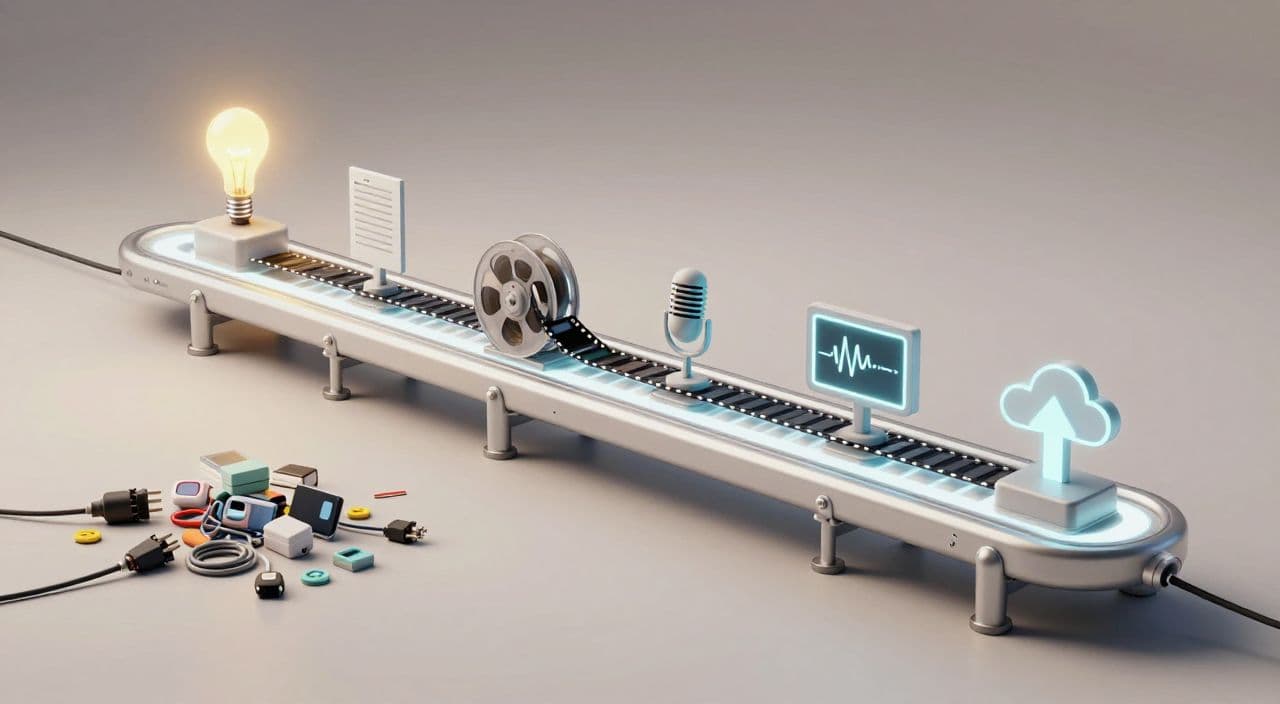
Most “one-click” YouTube automation stacks you see right now are built for Shorts and clips. If you’re trying to push out 30-180 minute sleep videos, explainers, or documentaries, that advice quietly falls apart: scripts are too long, tools choke on rendering, and your “automation” turns into babysitting 15 different tabs.
Let’s design a stack that actually works for long-form faceless YouTube and doesn’t turn into a full-time DevOps job.
Why Long-Form “One-Click” Automation Is Harder Than It Looks
The n8n/Zapier rabbit hole
Those viral “I 100% automated a long-form channel with n8n” posts are real, but they gloss over the maintenance:
- OpenAI / Claude for ideation and scripts
- TTS API for voice
- Image/video generation APIs
- JSON2Video/Creatomate or similar for assembly
- Upload + social posting
Every one of those is an API that can change, rate-limit, or time out mid-render. If you enjoy debugging flows, it’s fun. If you just want consistent uploads, it’s fragile.
The hidden cost of 10-15 tools
A typical DIY long-form stack looks like:
- ChatGPT/Claude for scripts
- Separate research tool or browser extensions
- TTS app
- Stock footage site(s)
- Video editor (CapCut, Premiere, Resolve)
- Canva/Photoshop for thumbnails
- Zapier/Make/n8n for glue
Even on free tiers, you’re paying in time: constant downloads/uploads, re-encoding, and context switching. Once you add paid tiers, it’s easy to cross $100/month before the channel makes a cent.
Why long-form breaks most AI YouTube tutorials
Most “AI YouTube” content is built around:
- 30-60 second Shorts
- 3-5 minute listicles
Long-form (30-180 minutes) adds problems they don’t mention:
- Script length: prompts that work for 1,000 words often fall apart at 8,000-15,000.
- Rendering: many tools timeout or crash on 1-3 hour timelines.
- Audio fatigue: voices that sound fine for 60 seconds become unbearable over 90 minutes.
That’s why your automation stack has to be built long-form-first, not “shorts stack, but longer.”
The Core Stages of a Long-Form Faceless Automation Stack
Think in stages. Your goal is to automate the “boring middle” and keep tight control over the creative levers.
1) Ideation and topic validation
You don’t need enterprise keyword tools to start. For sleep, AI stories, explainers, or documentaries:
- Collect 20-50 seed topics from YouTube search suggestions, competitor channels, and Reddit.
- Use an LLM to cluster them into series (e.g., “Sleepy Roman History,” “Beginner AI Concepts,” “Mythology by Region”).
- Sanity-check search demand by looking at existing long-form videos in that niche and their view velocity, not Shorts.
Aim for repeatable formats: “X for Sleep,” “The Complete Guide to Y,” “The Untold Story of Z.”
2) Research and structured script generation
For long-form, AI is best as a structure engine, not a “write it all for me” button.
A practical approach:
- Draft your outline manually or with AI: sections, timestamps, hooks.
- Have AI expand each section into a rough script, 500-800 words at a time.
- Edit for accuracy, pacing, and voice. For sleep content, strip out high-energy phrasing and harsh transitions.
Treat the script like code: use a consistent template (intro → promise → sections → soft recap → outro). This makes it easier to automate later.
3) Voiceover and pacing for long-form
Your voiceover requirements change with format:
- Sleep videos: slow, warm, minimal dynamic range, no harsh consonants.
- Documentaries: clear, neutral, slightly authoritative.
- Story channels: more expressive, but still sustainable over 60+ minutes.
Whatever TTS you use, test:
- A full 20-30 minute sample, not just a 30-second clip.
- Different speeds and pauses between sentences/paragraphs.
- How it sounds on phone speakers vs headphones.
Lock in 1-2 “house voices” per channel and reuse them for consistency.
4) Visuals: stock, AI media, and simple motion
Long-form faceless doesn’t need Marvel-level editing. It needs:
- Looped or slowly changing visuals that don’t distract from narration.
- B-roll or simple motion graphics to anchor each section.
- A visual system you can repeat across episodes.
Examples:
- Sleep history: slow pans over paintings, maps, and subtle AI-generated scenes.
- AI explainers: clean slides, simple icon animations, minimal color palette.
- Documentaries: stock footage + AI stills + light text overlays.
Overproduction is a trap; your bottleneck becomes rendering and asset management instead of publishing.
5) Assembly, rendering, and export
This is where DIY stacks usually break.
If you’re editing manually:
- Create one master project template per format (timeline length, track layout, fonts, transitions).
- Drop in new voiceover + batch-import visuals each episode.
- Export to a standard spec (e.g., 1080p, fixed bitrate) so uploads and processing are predictable.
If you’re using automation APIs, stress-test with a 60-90 minute video before you commit. Many “it works!” demos are 3-5 minutes long.
6) Thumbnail creation and packaging
Even with automation, thumbnails are where most creators stall.
Make it a system:
- Decide on 1-2 reusable layouts per channel (face/no face, text/no text).
- Define brand colors and fonts once.
- Keep text short: 2-5 words that sell the emotion or promise, especially for sleep and story channels.
You can absolutely use AI to propose titles and thumbnail text, but keep a human in the loop to choose the angle.
DIY vs. Integrated: What Actually Belongs in Your Stack?
A “sane” long-form automation stack follows a simple rule:
- Centralize the creative pipeline (script → voice → visuals → render).
- Use light automations around it (uploading, metadata, tracking).
DIY with n8n/Zapier/Make makes sense for:
- Triggering new video creation from a Notion/Airtable row.
- Auto-uploading finished videos to YouTube with title/description.
- Logging performance metrics.
It makes less sense for:
- Chaining 5-7 creative APIs together for every single video.
- Handling 1-3 hour renders in a general-purpose automation tool.
You want fewer moving parts, not more cleverness.
How AutoTube.pro Fits Into This Workflow
If you like the idea of a one-click stack but don’t want to be a no-code engineer, you can centralize the creative side in an integrated platform and keep your light automations around it.
AutoTube.pro is one option specifically built for long-form faceless YouTube (5 minutes up to 3 hours), covering:
- AI script generation for long-form formats: sleep stories, documentaries, explainers, AI stories.
- AI voiceover with multiple voice options tuned for sustained listening.
- AI media and image generation plus stock footage integration for each scene.
- Automated assembly and video rendering that’s stress-tested on long timelines.
- A built-in thumbnail editor (Canvas-style drag-and-drop) so you can design thumbnails without hopping to Canva or Photoshop.
In practice, a one-click pipeline looks like:
- You define your niche, target length, and basic format once (e.g., 90-minute mythology sleep stories, 30-minute AI explainers).
- For each video, you input the topic and length.
- The system generates the script, voiceover, visuals/stock, assembles the video, renders it, and proposes thumbnail options.
- You review the script, pick/tweak the voice, adjust visuals if needed, and refine the thumbnail text/layout inside the same interface.
Around that, you can still use n8n/Zapier to:
- Watch a “finished video” folder and auto-upload to YouTube.
- Sync titles/descriptions to Notion for tracking.
- Trigger new video creation from a content calendar.
The difference is that the fragile middle (script → voice → visuals → render → thumbnail) lives in one place instead of six.
FAQ: Long-Form Faceless YouTube & Automation
Is AI-generated long-form content monetizable on YouTube?
Yes, AI-generated content can be monetized as long as it follows YouTube’s policies and provides original, value-adding material. Focus on unique angles, helpful or entertaining scripts, and avoid simple re-uploads or plagiarism.
Does YouTube penalize AI voiceovers?
YouTube does not automatically penalize AI voiceovers; it cares more about policy compliance and viewer satisfaction. If your audio is clear, non-spammy, and paired with original content, AI narration is generally acceptable.
How long should faceless YouTube videos be for good RPM?
There is no fixed “best” length, but longer videos (20+ minutes) can open up more mid-roll ad slots and support binge-watching. For sleep channels and documentaries, 30-180 minute videos are common and align well with session-based viewing.
Should I fully automate my scripts, or keep a human in the loop?
You should keep a human in the loop for script review, especially for long-form. Use AI to generate outlines and drafts, then edit for accuracy, pacing, and tone so the final result feels intentional, not generic.
Is it worth building my own n8n/Zapier stack for long-form videos?
It’s worth it if you enjoy tinkering and understand APIs, but many creators underestimate the maintenance. For most people, centralizing the creative pipeline in a dedicated tool and using n8n/Zapier only for simple tasks like scheduling is a better trade-off.
Next Step: Test a Centralized Long-Form Stack
If your current setup feels like a science project - multiple tools, constant glue work, and fragile automations - run a simple experiment: produce one 30-60 minute explainer or 60-120 minute sleep video in an integrated platform like AutoTube.pro, then compare the time, friction, and failure points against your DIY stack. That single test will tell you how much of your current automation you can safely delete while still scaling a serious long-form faceless YouTube business.