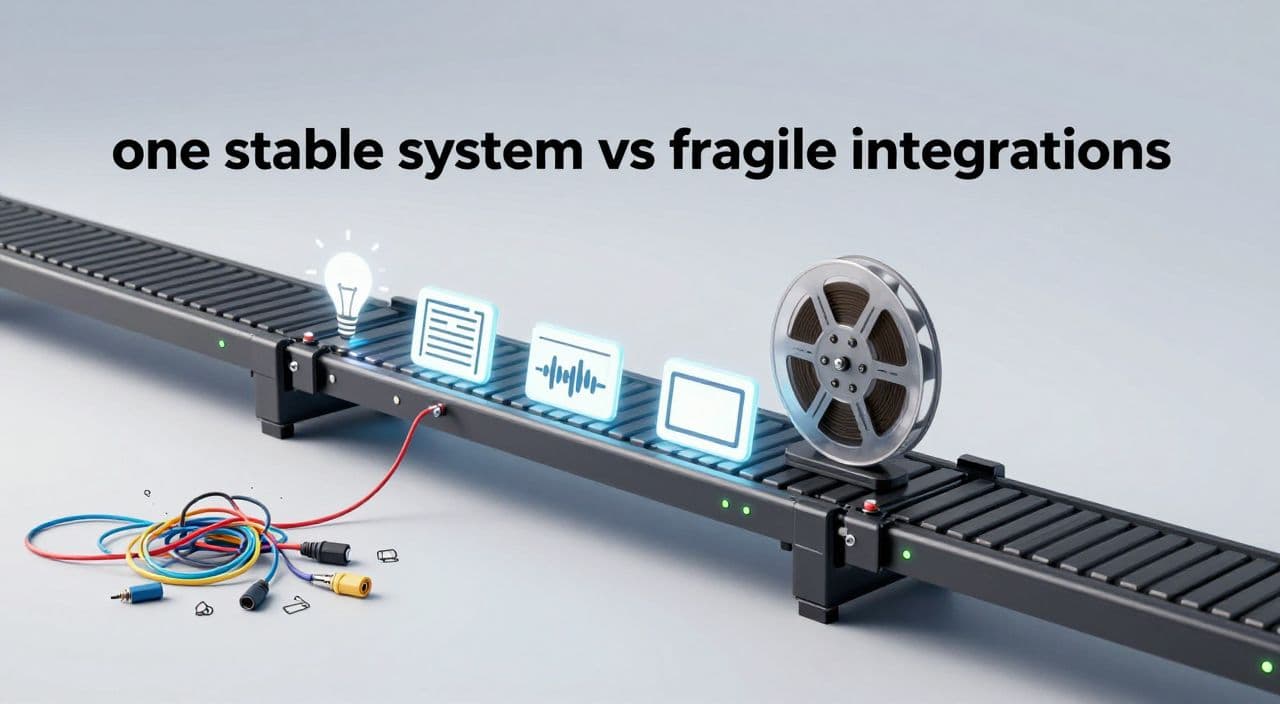
Most “one-click” YouTube automation systems look magical in a tweet thread and fall apart the moment you try to run them every week.
If you’re serious about long-form (20-180 minute) faceless videos - sleep content, explainers, documentaries, AI stories - you don’t need more tools. You need a simple, stable system you can actually run and eventually hand off to a VA.
This guide walks through how to design a long form youtube automation stack without multiple tools, what to automate vs. keep manual, and where an all-in-one long-form platform fits.
Why Viral “One-Click” Systems Break in Real Life
You’ve probably seen the n8n + Airtable + JSON2Video blueprints: click a button, get a full YouTube video.
What you don’t see:
- The weekend spent wiring API keys and webhooks.
- The random failures when one service changes its response format.
- The fact that most demos are 30-90 second clips, not 60-180 minute sleep videos.
Demos are proof-of-concept toys. You need a production system that survives:
- Different topics and lengths.
- Occasional API timeouts or rate limits.
- Iterations: “this section is weak, let’s re-write just that part.”
For long-form, “one-click” is the wrong goal. “One-stable-pipeline” is the right one.
Map the Real Long-Form Pipeline (Before Picking Tools)
Think in stages, not apps. For a long-form faceless channel, your system has to cover:
-
Ideation & validation
- Pick topics with repeatable demand (e.g. “Roman history sleep stories,” “deep-dive AI explainers,” “mythology bedtime tales”).
- Validate with search, competitor channels, and your own watch history.
-
Long-form scripting
- Sleep videos (60-180 min): slow pacing, repetitive structure, gentle transitions.
- Documentaries/explainers (20-60 min): clear sections, hooks at the start of each chapter, summaries.
- AI stories: character continuity, rising tension, payoff.
-
Voiceover
- Consistent tone for the entire runtime.
- Natural pacing that matches the script type (slower for sleep, more energy for explainers).
- Minimal glitches when you generate 30-180 minutes of audio.
-
Visuals
- Mix of AI-generated scenes and stock footage.
- Visual intensity tuned to niche:
- Sleep: calm, slow changes, low movement.
- Explain/Docs: diagrams, B-roll, on-screen text when needed.
- Stories: scene changes aligned with plot beats.
-
Assembly & rendering
- Sync voiceover and visuals.
- Handle large timelines and exports without constant babysitting.
- Keep project files organized so you can fix one section without rebuilding everything.
-
Thumbnail creation
- Clear promise in one glance.
- Visual consistency across a series (e.g. “Ancient Civilizations Sleep Stories - Episode 1/2/3”).
If your current or planned stack doesn’t make these six steps obvious and repeatable, that’s the bottleneck - not which AI model you’re calling.
Where You Actually Need Automation (vs. Judgment)
Trying to automate everything is how you end up maintaining a fragile no-code monster instead of growing a channel.
A practical split:
Automate heavily:
- Turning a topic into a first-draft outline and script.
- Generating voiceover from the final script.
- Creating first-pass visuals for each scene.
- Assembling scenes into a rendered video.
Keep human judgment:
- Choosing topics and angles.
“History of Rome” is generic. “The Night Caesar Crossed the Rubicon (Told as a Sleep Story)” is a real angle. - Editing the AI script for hooks, pacing, and factual sanity.
- Final thumbnail choice and title.
Your stack should reduce manual clicking, not remove your taste. Long-form is where taste compounds into real revenue: higher watch time, better ad inventory, more trust for sponsors.
A Lean, Tool-Agnostic Long-Form Stack
You do not need 10+ tools to run a serious faceless channel. A realistic, lean setup looks like this:
-
Core production platform
One tool that can handle: long-form scripts, AI voiceover, visuals, and rendering in a single project. -
Optional helpers
- Keyword/SEO: vidIQ, TubeBuddy, or manual research.
- Analytics: YouTube Studio plus one dashboard tool if you like.
- Scheduling/publishing: YouTube’s native scheduler is enough for most people.
-
Automation around, not inside, production (optional)
If you like n8n/Make, use them for:- Capturing ideas from notes/Notion into a backlog.
- Creating tasks for VAs when a script is ready to review.
- Posting “new video” announcements to email/social after upload.
Notice what’s missing: separate TTS app, separate image generator, separate video assembler, separate thumbnail tool. The more you collapse into one core production environment, the less your system breaks.
Example Workflows by Niche
Sleep / “Study With Me” Narration (60-180 min)
- Batch 5-10 related topics (e.g. “boring” but soothing history episodes).
- Generate long-form scripts with repetitive, predictable structure: intro → era overview → slow, detailed narration.
- Use a calm, low-variation voiceover; avoid sudden volume or tone changes.
- Keep visuals slow and minimal: panning photos, gentle abstract loops, simple maps.
AI Documentaries / Explainers (20-60 min)
- Structure scripts into clear chapters with mini-hooks: “Chapter 1: How We Got Here,” “Chapter 2: The Breakthrough.”
- Voiceover should have enough energy to carry dense information.
- Mix stock B-roll, AI diagrams, and occasional on-screen text to reinforce key ideas.
AI Stories (15-45 min)
- Treat each episode as a three-act structure.
- Maintain character names, voices, and settings across episodes.
- Visuals can be more stylized, but keep them readable - especially on mobile.
In all cases, design your workflow so you can produce in batches: ideate 5 videos, script 5, voice 5, then render 5. That’s how you scale without burning out.
How AutoTube.pro Fits Into This Workflow
If you want to avoid stitching together 8-15 tools, you can anchor your stack on a dedicated long-form platform and only add what’s truly missing.
AutoTube.pro is one option built specifically for long-form faceless YouTube, from 5-minute explainers up to 1-3 hour sleep and documentary videos. It consolidates the entire production pipeline:
- Ideation and long-form script generation tuned for sleep, AI stories, explainers, documentaries, and animations.
- AI voiceover with multiple voice options that can handle long runtimes without you juggling separate TTS tools.
- AI media generation plus stock footage integration inside the same project, so you’re not bouncing between image apps and editors.
- Automated video rendering for 5-180 minute videos, built to handle heavier files typical of long-form.
- Built-in thumbnail editor (a Canvas-style drag-and-drop tool) and AI thumbnail suggestions, so you can design and finalize thumbnails without opening Canva or Photoshop.
In practice, that means your “stack” for production can be a single login: idea → script → voiceover → visuals → render → thumbnail. You can still use external tools for analytics or scheduling, but you’re not depending on them to glue your video together.
FAQ: Long-Form Faceless YouTube Automation
Is AI-generated long-form content monetizable on YouTube?
Yes, AI-generated videos can be monetized if they follow YouTube’s policies and provide original value. Focus on unique topics, clear structure, and avoid simply rehashing existing videos or copying text from other sources.
Does YouTube penalize AI voiceovers?
YouTube does not automatically penalize AI voiceovers; it cares more about viewer experience and policy compliance. If the audio is clear, natural enough to listen to for 20-180 minutes, and the content is original, AI narration is generally acceptable.
How long should faceless YouTube videos be for good RPM?
There is no perfect length, but 10+ minutes unlocks mid-roll ads and long-form (20-60+ minutes) often supports higher watch time and more ad opportunities. Sleep and background-style videos can run 60-180 minutes because viewers let them play while doing other activities.
Are long-form “sleep” or background videos still worth starting in 2026?
Yes, long-form sleep and background videos remain attractive because they naturally generate long session times. The key is to niche down (e.g. specific history themes, myths, or calming science explainers) and maintain consistent quality across episodes.
What’s the biggest mistake people make with AI YouTube automation?
The biggest mistake is over-engineering the stack and under-thinking the content. Many creators spend weeks wiring APIs and almost no time on topic selection, hooks, and pacing, which are what actually drive watch time and revenue.
If you’re tired of juggling a dozen tools just to publish one long-form video, try anchoring your workflow in a single production engine. AutoTube.pro is built for exactly this: long-form faceless YouTube from idea to rendered video and thumbnail in one place, so your “automation stack” is something you can explain - and scale - without becoming a full-time systems engineer.