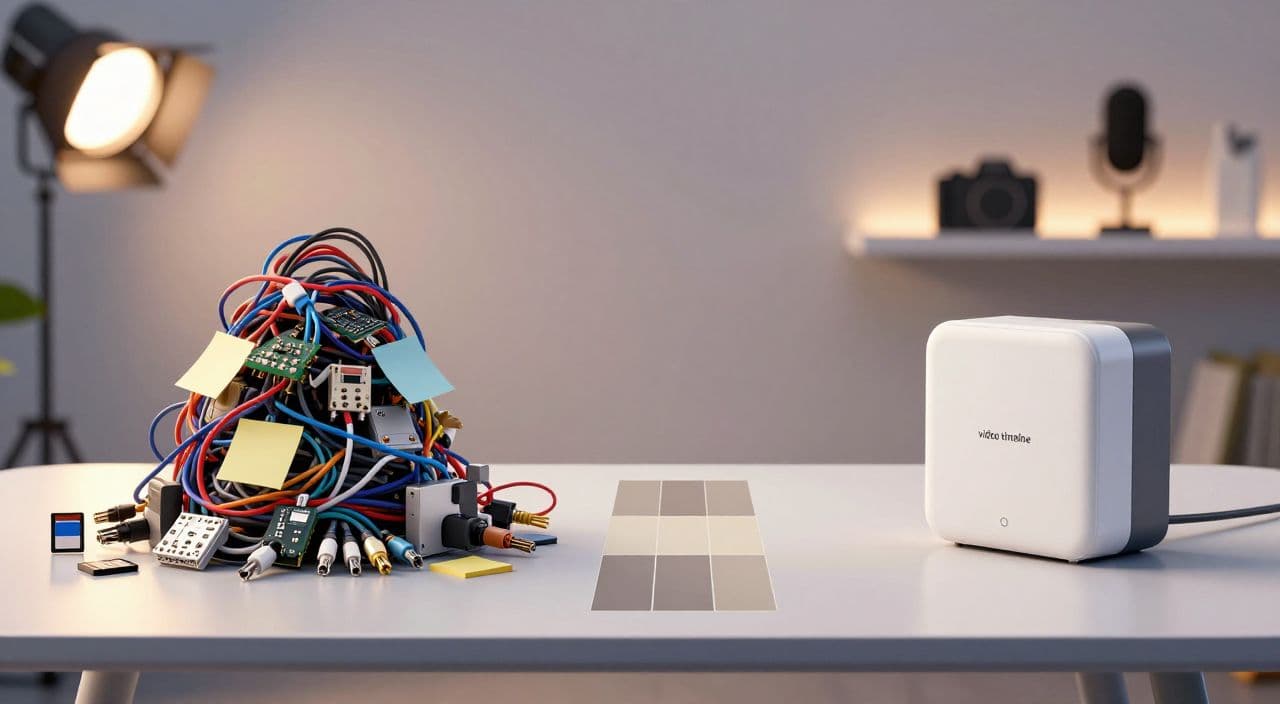
If you’re juggling ChatGPT, a TTS tool, a stock site, an editor, Canva, and maybe n8n or Zapier just to publish one video… you’re not “automating.” You’re running a tiny software company.
This article is about deciding whether to keep that DIY “Frankenstack” or move to an all in one ai youtube automation platform for long-form faceless content.
Why Creators End Up With a Frankenstack
The typical long-form faceless tool chain
Most beginner and intermediate faceless creators slowly collect tools as they go:
- Ideation & scripts: ChatGPT, Claude, Gemini
- Voiceover: ElevenLabs, PlayHT, Coqui, etc.
- Visuals: Pexels/Storyblocks/Envato, maybe some AI image/video generator
- Editing: CapCut, Premiere, DaVinci, Descript
- Thumbnails: Canva or Photoshop
- “Automation”: n8n, Zapier, Make, Airtable, Google Sheets
For a 7-10 minute explainer, this is annoying but survivable. For a 60-180 minute sleep story or documentary, it becomes a full-time ops job:
- Long scripts to manage and version
- Huge audio files to render and move around
- Dozens or hundreds of visual assets
- Heavy project files that crash consumer laptops
Every extra manual step compounds at long-form scale.
Where it breaks at 30-180 minutes
Walk through a typical DIY workflow for a 2-hour sleep video:
- Prompt ChatGPT for a 15,000-20,000 word script.
- Paste that into your TTS tool, split into chunks, render, download multiple audio files.
- Download 50-200 stock clips or images.
- Import everything into your editor, manually sync visuals to the voiceover.
- Export a huge file, then upload to YouTube.
- Switch to Canva to design the thumbnail.
Now imagine doing that 3-5 times a week.
The problem isn’t that any single tool is bad. It’s that you are the glue: copying, pasting, downloading, uploading, naming, organizing. That doesn’t scale when your business model is long-form watch time.
The DIY Automation Dream vs. Reality
What creators are trying to build
If you’ve seen n8n or Zapier blueprints, the dream is seductive:
- Type a topic: “ancient Rome sleep story”
- Automation does: research → script → voiceover → visuals → assembly → upload
- You wake up to a finished 2-hour video on your channel
These flows are real. People are chaining OpenAI, image generators, JSON2Video/Creatomate-style tools, Airtable, and YouTube APIs into impressive systems.
But look closely: they’re engineering projects, not production workflows most creators want to maintain.
The hidden costs: maintenance and breakage
DIY automation has three main failure modes:
-
APIs change or break
- Model names deprecate
- Response formats change
- Rate limits hit unexpectedly
-
Auth and tokens expire
- API keys rotate
- OAuth tokens expire
- One broken credential silently kills the pipeline
-
Format assumptions drift
- You tweak your prompt and now the JSON is malformed
- A tool starts returning slightly different fields
- Your video assembly step can’t parse the new structure
Suddenly you’re debugging webhooks and JSON instead of writing better scripts.
DIY automation makes sense if:
- You’re technical and enjoy building systems, or
- You sell automation as a service, and the pipeline itself is your product.
For everyone else, the “one-click” dream becomes a fragile machine you’re scared to touch.
What an All-in-One Platform Actually Does
Forget brands for a second. Conceptually, an all in one ai youtube automation platform for long-form faceless channels should cover:
-
Ideation & planning
- Topic ideas aligned with your niche (sleep, explainers, documentaries, AI stories)
- Outlines that fit long runtimes (30-180 minutes)
-
Script generation
- Handles 5-180+ minute scripts without choking
- Lets you set tone and structure (e.g., ultra-calming for sleep, narrative tension for stories)
-
AI voiceover
- Multiple voices and styles
- Stable output for long recordings (no weird artifacts halfway through hour two)
-
Visuals
- Mix of AI-generated media and stock footage
- Scene-by-scene pairing with the script/voiceover
- Consistency over long durations
-
Assembly & rendering
- Timeline creation without manual file juggling
- Reliable export for 1080p/4K, even for multi-hour videos
-
Thumbnails
- Integrated design so you don’t context-switch to a separate app
- Ability to test different concepts quickly
The value isn’t just “fewer tools.” It’s one continuous pipeline where assets flow automatically from step to step.
Frankenstack vs All-in-One: Cost, Time, Reliability
Cost: visible vs hidden
A Frankenstack usually looks like:
- AI writer
- TTS
- Stock library
- Editor (or an AI video tool)
- Thumbnail tool
- Optional: n8n/Zapier/Make
Individually, none of these feel expensive. Added together, plus your time, the true cost per video is unclear.
With an all-in-one, you’re trading:
- Multiple line items and unknown per-video cost
for - One subscription and a predictable “cost to publish”
You still need to do the math, but at least you’re comparing apples to apples.
Time: manual glue vs integrated flow
Time is where the gap really opens up.
DIY stack = you manually:
- Export/import scripts, audio, and visuals between tools
- Download/upload large files multiple times
- Rebuild the same structure (chapters, scenes) in each app
All-in-one flow = you:
- Define the video once (topic, length, style)
- Let the system propagate that context through script → voiceover → visuals → render
- Stay in one interface from idea to thumbnail
For long-form, those saved minutes per step turn into hours per video.
Reliability: many brittle links vs one pipeline
Every extra integration is a potential failure point. When you’re rendering 2-3 hour videos, failures hurt more:
- Long render crashes
- Corrupted project files
- Mis-synced audio and visuals discovered only at upload time
An integrated pipeline can still fail, but there are fewer moving parts you personally have to manage.
When You Should Stick With DIY
There are legitimate reasons to keep a Frankenstack:
- You do heavy custom motion graphics or After Effects work.
- You create for multiple platforms with very different formats.
- You publish infrequently (e.g., one 30-minute documentary per month) and don’t mind manual effort.
- You enjoy tinkering and your channel is partly a tech experiment.
If that’s you, optimization isn’t your main bottleneck yet.
When It’s Time to Consolidate
Signs your current workflow is limiting growth:
- You dread “production days” because of all the tools, not the content.
- You can’t imagine scaling to 3-5 long videos per week, even with help.
- You’re considering hiring VAs just to move files around.
- You’re in a niche where volume and length matter (sleep, “study with me,” background explainers).
For sleep and “sleepy” channels especially, your business model is reliable, repeatable long-form output. The ops layer needs to be boring.
How AutoTube.pro Fits Into This Workflow
If you’ve decided you at least want to test an all in one ai youtube automation platform, AutoTube.pro is one option built specifically for long-form faceless YouTube, not Shorts or repurposed clips.
It’s designed around the full pipeline:
- Ideation & scripting for 5-minute explainers up to 3-hour sleep stories, documentaries, and AI narratives.
- AI voiceover with multiple voice options so you can match tone to niche (calm for sleep, authoritative for documentaries, engaging for stories).
- Visual generation + stock integration so scenes are paired to the script without you hunting across multiple sites.
- Automated assembly and rendering so you’re not stitching audio and visuals manually for hours.
- Built-in thumbnail editor (Canvas-style drag-and-drop) with AI suggestions, so you can design thumbnails without jumping to Canva or Photoshop.
Practically, that means you can run a simple experiment:
- Produce your next long-form video (30-180 minutes) with your current stack.
- Produce a comparable video end-to-end inside AutoTube.pro.
- Track: tools used, steps taken, time spent, and where things broke.
- Decide whether to migrate fully, or use a hybrid (e.g., all-in-one for sleep videos, custom stack for highly stylized projects).
AutoTube.pro won’t be the right fit for hyper-custom VFX-heavy work. But if your business model is “AI scripts + AI voiceover + long visuals stitched into 1-3 hour videos,” consolidating that into one pipeline is usually a net win.
FAQ: All-in-One Platforms, AI, and Long-Form Faceless Channels
Is AI-generated content monetizable on YouTube?
Yes, YouTube allows AI-generated content to be monetized as long as it follows their community guidelines and advertiser-friendly policies. Focus on originality, value for viewers, and avoiding reused or spammy content.
Does YouTube penalize AI voiceovers or faceless channels?
No, YouTube does not penalize videos just for using AI voiceovers or being faceless. Channels get into trouble when content is low-effort, repetitive, or clearly made to game the system rather than help or entertain viewers.
How long should faceless YouTube videos be to earn well?
For faceless channels, especially sleep, documentary, and explainer niches, longer videos (30-180 minutes) can perform well because they drive more watch time per view. The key is maintaining enough quality that viewers actually stay, rather than chasing length for its own sake.
Is it risky to rely on a single all-in-one platform?
There is some platform risk, but there’s also risk in a fragile multi-tool stack that only you understand. Mitigate this by keeping copies of your scripts and assets, and by testing any new platform with a few videos before fully committing.
Should I start with a Frankenstack or an all-in-one if I’m new?
If you’re just validating a niche, you can start with whatever tools you already know to reduce friction. Once you confirm the niche has potential and you want to publish consistently, moving to an integrated workflow usually saves time and mental load.
If you’re tired of being a part-time systems engineer and your goal is consistent long-form faceless uploads, run that side-by-side test: keep your current stack, then produce your next full video inside AutoTube.pro and see what happens when the entire pipeline - from idea to rendered video and thumbnail - lives in one place.