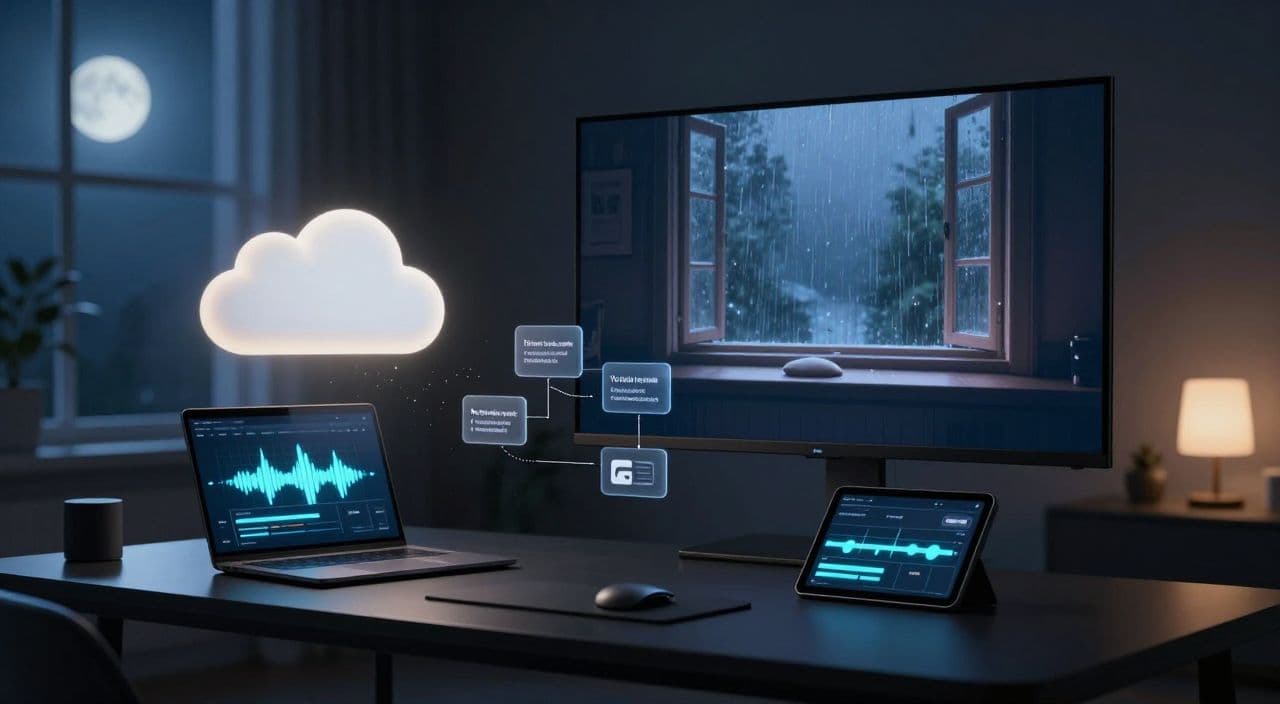
Most people overcomplicate starting a sleep channel. You don’t need a studio, a mic, or editing chops. You need one clear format, a repeatable workflow, and the patience to publish consistently.
Here’s a practical, step-by-step system to launch a 1-3 hour AI sleep video YouTube channel without filming anything.
Why Long-Form Sleep Videos Are Worth Your Time
Sleep and ambient videos are “background utility” content. People press play and let them run for hours while sleeping, studying, or working. That behavior naturally creates long watch sessions and more ad inventory than a 10-minute video ever could.
Shorts can help with discovery, but they’re terrible for sleep content. Nobody wants to click a new video every 30 seconds while trying to fall asleep. Long-form (60-180 minutes) is structurally better for:
- Watch time and session length
- Viewer satisfaction (no interruptions)
- Building a library of “evergreen” videos that get views for years
Think of each 1-3 hour upload as a digital asset that can keep working for you long after you’ve made it.
Step 1: Pick a Sleep Sub-Niche and Format
Don’t start with “sleep videos” as a whole. Pick a specific lane so your channel feels coherent.
Proven formats for long-form sleep content
You can build a full channel around any of these:
-
Pure ambient sounds
Rain, ocean waves, fireplace, fan noise, brown noise, forest ambience. -
Guided sleep stories
Calm, descriptive narratives that slowly get more repetitive and less eventful. -
Meditations and body scans
Breathing guidance, body relaxation, then gentle affirmations. -
Affirmations / subconscious reprogramming
Repeating positive statements in a soft, rhythmic way. -
“Sleep in…” environments
“Sleep in a spaceship cabin,” “sleep in a cozy cabin,” “sleep in a fantasy tavern,” etc.
Validate before you commit
Spend 30-60 minutes inside YouTube:
- Search for each idea (e.g., “rain sounds 3 hours”, “guided sleep story fantasy”).
- Filter by >1 hour.
- Sort by view count.
- Note patterns in:
- Titles (“8 Hours of…”, “Fall Asleep Fast…”)
- Thumbnails (dark, simple, one main visual)
- Durations (90 minutes? 3 hours? 8 hours?)
You’re not copying; you’re learning what the market already understands.
Choose a clear angle
To avoid being a clone, define one simple positioning:
- “Sci-fi sleep stories for adults”
- “Rain + piano sleep ambience”
- “Dark-screen affirmations only”
- “Fantasy rooms with fireplace sounds”
Also decide upfront: voice-led (stories/meditations/affirmations) or sound-only (ambient). Voice-led takes more scripting work but can stand out more.
Step 2: Plan the Structure of a 1-3 Hour Video
Once you have a format, you need a structure. This is what makes multi-hour content manageable.
How long to start with
Don’t jump straight to 3 hours. Start with:
- 60-90 minutes for your first 2-3 videos
- Once your workflow feels smooth, move to 2-3 hours
Templates for different formats
Use simple templates you can reuse:
Guided sleep story (90 minutes)
- 10-15 min: Induction (breathing, body relaxation)
- 60 min: Slow, low-stakes story that becomes more repetitive
- 10-15 min: Ultra-soft outro, longer pauses, gentle fade
Meditation (60-90 minutes)
- 10 min: Breathing + posture
- 20-30 min: Body scan from head to toe
- 20-40 min: Repeating affirmations with long pauses
- Final 10 min: Fewer words, more silence
Ambient sounds (2-3 hours)
- 2-5 min: Soft fade-in
- Core loop: 5-15 minute audio loop repeated as many times as needed
- 5-10 min: Gradual volume fade-out at the end
For looping, do the math:
If your rain loop is 10 minutes and you want a 120-minute video, you need 12 seamless loops.
Step 3: Write or Generate Calming Scripts
If you’re doing anything voice-led, the script is the product.
Principles of good sleep scripts
- Use simple language and short sentences.
- Repeat key phrases and sensations (“feeling heavier”, “drifting”, “safe and warm”).
- Avoid intense emotions, big plot twists, or sudden changes.
- Use “permission” language: “you can allow…”, “you may notice…”, “it’s okay if…”.
Turning a topic into a long script
You can write manually or with AI, but give clear constraints:
- “Write a 7,000-word sleep story for adults about falling asleep in a cozy mountain cabin during a storm. Calm, hypnotic tone, minimal conflict, designed for a 90-minute audio track.”
Then break it into sections:
- Induction
- Arriving at the setting
- Exploring the space
- Drifting off
- Outro / gentle closure
This makes it easier to adjust pacing later.
For affirmations, define 20-40 core statements and repeat them with slight variations over the full duration.
Step 4: Generate a Soothing AI Voiceover
You don’t need to record your own voice, but you do need to think like a director.
What to look for in a sleep voice
- Warm, neutral tone (not “radio commercial” energy)
- Slightly slower than normal speech
- Smooth consonants (harsh “s” and “t” sounds can be jarring)
Common mistakes to avoid
- Too fast: Sleep content should feel almost slow-motion.
- Too expressive: Big emotional swings wake people up.
- Inconsistent settings: Different speeds or tones between sections break immersion.
Whatever tool you use, always:
- Lower the speaking rate a bit.
- Add slightly longer pauses between sentences and sections.
- Listen to at least 10-15 minutes end-to-end before committing.
For very long videos, generate audio in sections (aligned with your script sections) and then stitch them in order.
Step 5: Build Visuals Without Filming
Sleep viewers often barely look at the screen, but visuals still matter for clicks and first impressions.
Visual strategies that work
- Static or very slow-moving scenes (rain on window, fireplace, starry sky).
- Darker images so screens don’t light up bedrooms.
- Minimal cuts and transitions to avoid visual “jumps”.
You can combine:
- AI-generated images or loops for unique scenes (spaceship cabin, fantasy bedroom).
- Stock footage for natural elements (rain, clouds, waves, fire).
For 1-3 hour videos, you do not need constant visual changes. One core scene with subtle motion, or a small cycle of 2-4 scenes, is usually enough.
Step 6: Assemble and Render Multi-Hour Videos
This is where many beginners get stuck: long timelines, big files, and slow exports.
If you’re using a traditional editor on a modest laptop:
- Keep your project simple: one main video layer, one audio layer, maybe one text layer at most.
- Use compressed but high-quality audio (e.g., 192 kbps) to keep file sizes reasonable.
- Expect rendering to take a while; don’t stack too many effects.
If your hardware struggles, consider cloud-based tools that handle assembly and rendering for you, especially once you move into 2-3 hour territory.
How AutoTube.pro Fits Into This Workflow
Once you understand the steps, you can either juggle 5-10 tools or centralize the whole pipeline.
AutoTube.pro is one option if you want everything in one place for long-form, faceless YouTube content:
- Ideation and scripting: Describe your sub-niche and target length (e.g., “90-minute guided sleep story in a cozy cabin during rain”), and generate structured scripts sized for 1-3 hour videos.
- AI voiceover: Choose from calm voice options, adjust speed and pauses for sleep pacing, and produce continuous or section-based audio.
- Visuals and stock media: Generate ambient scenes with AI, pull in relevant stock clips (rain, waves, fire), and align them with your script sections.
- Cloud rendering: Set your target duration (up to 3 hours), confirm loops and fades, and let the platform assemble and render the full video without needing a powerful PC.
- Thumbnails in the same workflow: Use the built-in Canvas-style thumbnail editor and AI thumbnail suggestions to design dark, simple sleep thumbnails without opening Canva or Photoshop.
The core advantage is that you’re running a single, end-to-end system: from idea to finished long-form video and thumbnail, all tuned for faceless sleep, ambient, and similar AI-driven niches.
FAQ: AI Sleep Video YouTube Channels
Is AI-generated sleep content monetizable on YouTube?
Yes, AI-generated sleep content can be monetized as long as it follows YouTube’s policies and adds real value. Focus on originality, clear audio, and a viewer-friendly experience rather than low-effort, repetitive spam.
Does YouTube penalize AI voiceovers?
YouTube does not automatically penalize AI voiceovers; it cares more about content quality and policy compliance. If your voiceover sounds natural, is clearly understandable, and supports helpful content, it’s treated like any other narration.
How long should sleep videos be for a new channel?
Starting with 60-90 minute videos is a good balance between production effort and usefulness. Once your workflow is stable, moving to 2-3 hours can better match how people actually use sleep and ambient content.
Do I need to show my face or record my own voice?
No, sleep and ambient channels are a classic faceless format. You can stay completely off-camera and use AI voiceovers or sound-only formats as long as the content feels calming and consistent.
How often should I upload long-form sleep videos?
Aim for 1-3 uploads per week when you’re starting. Consistency matters more than daily volume, and each long-form video is a substantial asset that can keep getting views over time.
If you want to skip stitching together separate script, TTS, stock, editing, and thumbnail tools, you can run this entire long-form sleep workflow inside AutoTube.pro - from idea to 1-3 hour rendered video and thumbnail - so you can focus on picking good topics and publishing consistently.