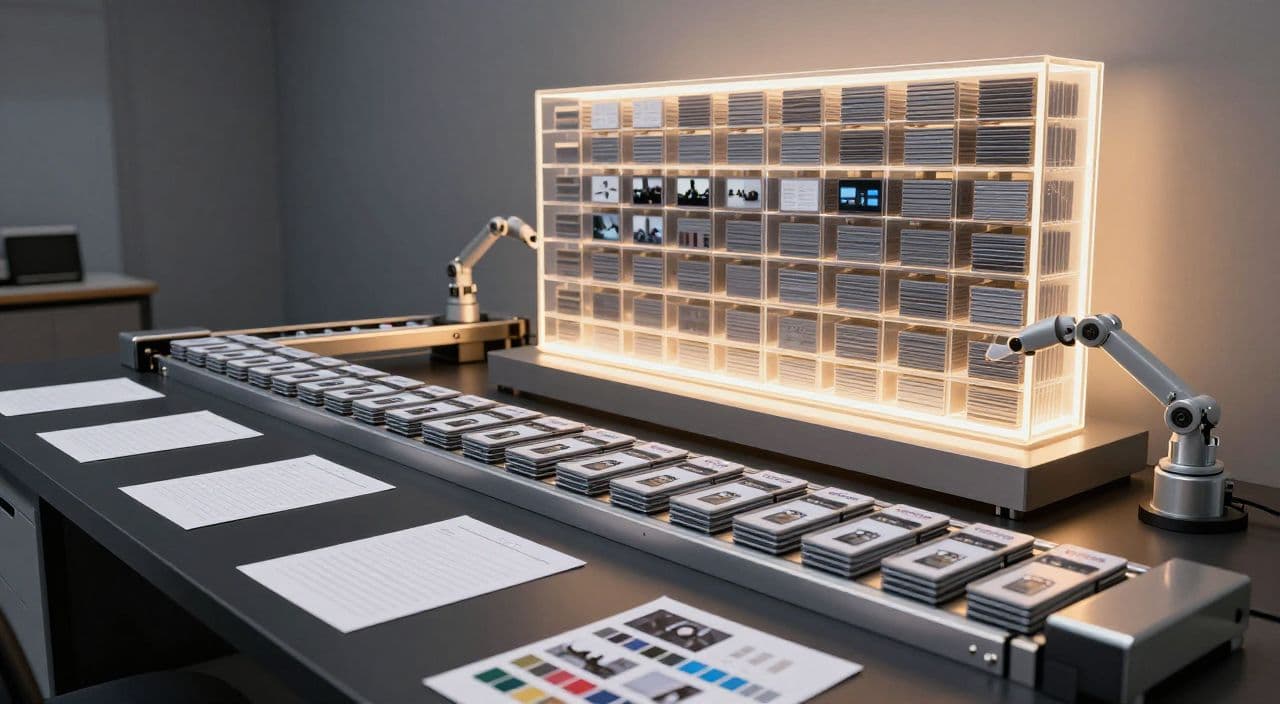
Most creators get stuck at one long-form upload per week because they treat every video like a custom project. If you want a real content library - dozens or hundreds of 15-180 minute videos working for you 24/7-you need to think in batches, not episodes.
This is a practical playbook for batch production for long form faceless YouTube: how to redesign your week so you can scale output without burning out or hiring a team.
Library mindset vs “post more” mindset
Long-form faceless YouTube is an asset game, not a virality game.
A 2-hour sleep story, a 45-minute documentary, or a 20-minute explainer can keep pulling views and watch time for years. Your goal is to build a library of these “evergreen workers,” not just hit this week’s upload.
That changes how you work:
- You prioritize repeatable formats over one-off experiments.
- You build series (e.g., “Greek myths for sleep”, “Cold War mini-docs”, “AI breakthroughs explained simply”) instead of random topics.
- You optimize for sustainable output, not heroic all-nighters.
Shorts can spike traffic, but long-form is where you get serious watch time and more stable monetization. The workflow needs to reflect that.
Map your current pipeline (before you try to scale)
Before you double your output, you need to see where the friction actually is.
For one recent video, write down the time you spent in each stage:
- Topic research & validation
- Outline & script
- Voiceover
- Visuals (stock + AI media)
- Assembly & rendering
- Thumbnail, title, description, scheduling
Now mark each step:
- Creative: needs your taste/brain (e.g., angle, hook, story beats).
- Repeatable: can follow a template (e.g., sleep story structure).
- Mechanical: clicking, exporting, rendering, file management.
Batching works best when:
- Creative decisions are made once per batch (e.g., “this month we’re doing Greek myths for sleep”).
- Repeatable and mechanical steps are grouped (e.g., script 3 videos in one sitting, render 3 in one queue).
If you can’t clearly list your stages, you’re not ready to scale. Spend one week just documenting what you already do.
Design a batch schedule that fits your life
Batch production is just “single focus per day” applied to YouTube.
Example: side-hustler (2 long videos/week)
Assume you’re doing 2× 30-60 minute videos per week.
- Monday evening (1-2h): Research 5-10 topics, pick 2, outline both.
- Wednesday evening (1-2h): Turn both outlines into full scripts.
- Saturday morning (2-3h): Record/generate both voiceovers, assemble visuals for Video 1, start rendering.
- Sunday (2-3h): Assemble visuals for Video 2, render, do both thumbnails, titles, descriptions, and schedule.
The key: you’re almost never doing “one full video” start to finish. You’re moving multiple videos through the same stage together.
Example: sleep channel (2× 2-hour videos/week)
- Day 1: Ideate 6-8 sleep story concepts around one theme (e.g., “ancient civilizations”).
- Day 2: Script 2-3 full 2-hour stories using the same structure.
- Day 3: Batch voiceovers for all scripts.
- Day 4: Create simple, slow-changing visuals for all; queue renders.
- Day 5: Thumbnails, metadata, scheduling.
Long-form “sleepy” content is especially batch-friendly because structure and pacing are nearly identical across episodes.
Use WIP limits
Don’t have 10 half-finished videos. Limit “work in progress”:
- At any time, you might allow: 3 in scripting, 3 in VO, 3 in visuals/rendering.
- Use a simple board (Notion, Trello, even a spreadsheet):
To Do → Script → VO → Visuals → Render → Scheduled.
This keeps you finishing videos, not just starting them.
Batch ideation and scripting: systems, not one-offs
Start from themes and series
Instead of “what video should I make this week?”, ask:
- “What 10-episode series can I build next?”
Examples:
- Sleep: “10 Greek myths retold as ultra-calm sleep stories”
- Explainers: “12 AI breakthroughs explained simply”
- Documentaries: “8 Cold War mini-docs”
From one research session, you now have 2-4 weeks of content.
Build templates per video type
Have a default structure for each format:
- Sleep (1-3h):
Soft hook → gentle context → slow, descriptive narrative → low-stakes conflict → calm resolution → outro. - Explainer (10-20 min):
Hook → why this matters → 3-5 key points → examples → recap. - Documentary (30-60+ min):
Cold open → backstory → rising tension → key events in chapters → aftermath → reflection.
When you batch scripts, you’re just swapping in topics, not reinventing structure.
Use AI with a fixed prompt pattern
Instead of new prompts every time, define a reusable pattern:
“Write a [length] script for a faceless YouTube video in the [niche] niche. Use this structure: [paste your template]. The topic is [topic]. The audience is [describe]. Keep language [tone].”
Then run that across 3-10 topics in one session. You still review and tweak, but the heavy lifting is done.
Batch voiceovers and visuals
Standardize your audio first
Pick:
- 1 calm voice for sleep/softer content.
- 1 neutral/energetic voice for explainers/docs.
Decide once on speed, tone, and pronunciation rules (especially for technical terms and names). Then, when you batch 3-10 scripts:
- Generate all voiceovers in one sitting.
- Spot-check intros and random 30-second chunks for each.
- Fix recurring mispronunciations at the source.
Decide your visual strategy per channel
You don’t need a unique visual style per video; you need one solid, repeatable style per channel or series:
- Sleep: slow AI images/loops, minimal motion, very soft transitions.
- Explainers: stock footage + simple overlays, chapter cards, maybe subtle animations.
- Documentaries: mix of stock, AI images for missing scenes, consistent lower-thirds and chapter cards.
Create reusable assets:
- Intro/outro templates
- Chapter title cards
- Standard fonts/colors
Then, in a batch session, you’re mostly mapping existing assets and B-roll to new scripts, not building from scratch.
Thumbnails and metadata: batch the packaging
Thumbnails are where many batch workflows fall apart because creators leave them to the last minute.
Instead:
- Define 1-2 thumbnail layouts per series (e.g., big text + single object image; or bold text + abstract background).
- Pre-decide fonts, colors, and general framing.
- Once a week, design thumbnails for all upcoming videos in one sitting.
- Batch titles and descriptions at the same time. Draft with AI if you like, then tighten manually.
Now your uploads are “assembly line ready”: video + thumbnail + title + description all done ahead of time.
How AutoTube.pro fits into this batch workflow
Once you’ve committed to batching, an all-in-one tool can compress the friction dramatically. AutoTube.pro is one option built specifically for long-form faceless YouTube (5 minutes up to 3 hours), so it maps cleanly onto the system above.
Here’s how it plugs in:
- Batch ideation: Input your niche and angle (e.g., “AI myths debunked”, “ancient history sleep stories”) and generate multiple video concepts at once. Save and label them as series inside the app so one ideation session fuels weeks of content.
- Batch scripting: Select several ideas, auto-generate outlines for all, approve, then generate full scripts using your preferred structures. You stay in one interface while you review and lightly edit for voice and accuracy.
- Batch voiceovers: Choose 1-2 AI voices for your channel, lock in settings, then convert multiple approved scripts to audio in a single pass. Audio files stay attached to each project - no folder chaos.
- Batch visuals and rendering: AutoTube.pro maps script sections to scenes, suggests stock footage and AI-generated images, and lets you adjust only the scenes that need a human touch. You can queue multiple long videos (including 1-3 hour sleep content) for rendering and let the system handle exports.
- Thumbnails in the same place: The built-in Canvas-style thumbnail editor means you can create and reuse thumbnail templates without opening Canva or Photoshop. You can also generate thumbnail ideas from your titles, then tweak them visually in the same workflow.
- End-to-end batching: Because ideation → script → voiceover → visuals → render → thumbnail all live in one place, you can run true batch sessions (e.g., “script day”, “VO day”, “visuals day”) without jumping between five tools and subscriptions.
If your bottleneck is operations rather than ideas, consolidating the entire pipeline into a batch-friendly tool is often the difference between 1 video a week and 2-5.
FAQ: scaling long-form faceless YouTube with batch production
Is AI-generated long-form content monetizable on YouTube?
Yes, AI-generated content can be monetizable if it’s original, adds value, and follows YouTube’s policies. YouTube cares more about uniqueness, quality, and policy compliance than about whether AI helped you create it.
Does YouTube penalize AI voiceovers or faceless channels?
No, YouTube does not penalize channels just for using AI voiceovers or being faceless. Problems arise when content is low-effort, repetitive, or violates policies, so focus on strong scripts, clear value, and a consistent format.
How long should my faceless videos be for good RPM?
There’s no magic length, but many successful faceless channels operate in the 10-20 minute range for explainers and 30-180 minutes for sleep/background content. Longer videos can show more ads and capture more watch time, but only if you maintain engagement and pacing.
How many long-form videos per week can a solo creator realistically handle?
With a clear batch system, many solo creators can move from 1 to 2-3 long-form videos per week. The exact number depends on your niche and video length, but batching scripts, voiceovers, and visuals is what makes the jump realistic.
Will batch production make my content feel generic?
It doesn’t have to. Templates and batching standardize structure and mechanics, while you keep control over angles, stories, and editorial decisions; think “same chassis, different engine” for each video.
If you’re ready to turn this batch plan into an actual production line, explore how AutoTube.pro can centralize your long-form faceless workflow - from ideas to rendered videos and thumbnails - so you can scale output without scaling your hours.