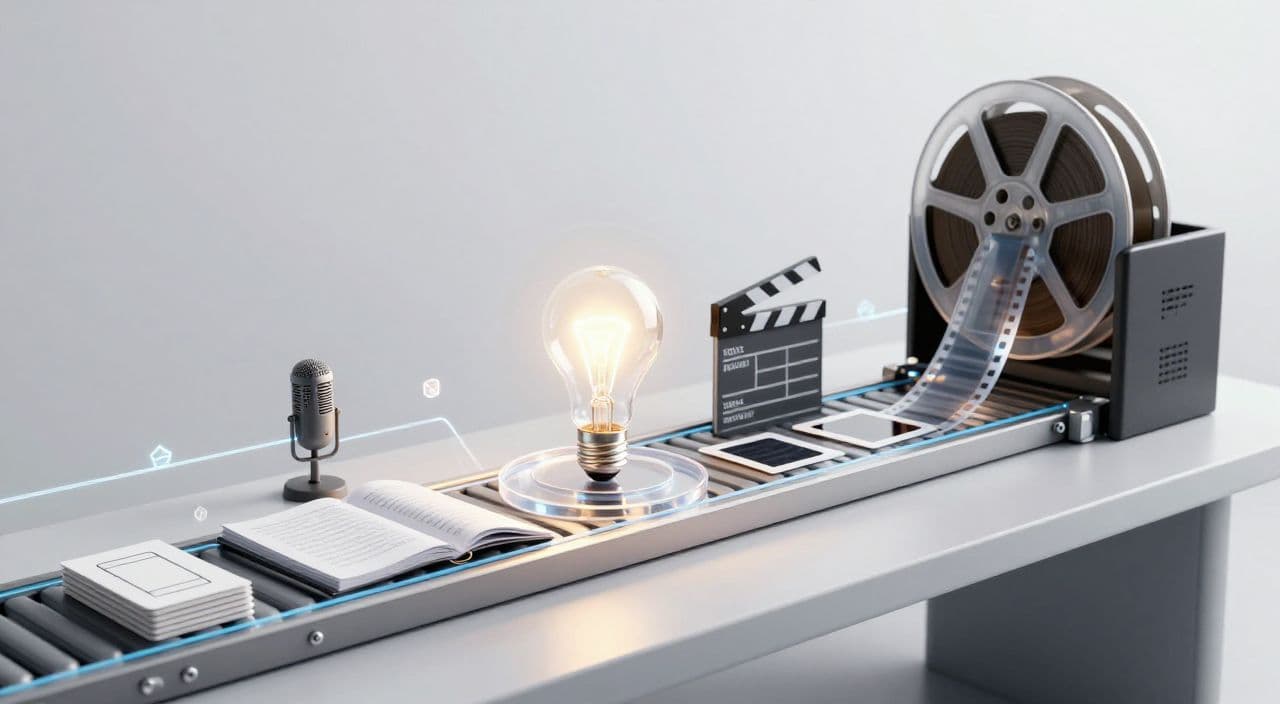
If you want to know how to automate long-form faceless YouTube videos with AI, start by thinking in systems, not tools. A 60-minute video is just a repeatable pipeline: idea → outline → script → voice → visuals → render → thumbnail. Once you design that pipeline once, AI can handle most of the heavy lifting and you can focus on decisions, not busywork.
Below is a practical, tool-agnostic blueprint you can copy, then we’ll look at how an all-in-one platform can simplify it.
Why Automate Long-Form Faceless YouTube at All?
Shorts are great for reach, but long-form is where the stable business lives: higher watch time, background listening, and bingeable catalogs. Sleep videos, calm documentaries, and explainers are often played while people sleep, study, or clean - sometimes for hours. That behavior lines up with how YouTube rewards watch time and session duration.
The catch: a single 30-60+ minute faceless video can take days if you’re scripting, recording, editing, and designing everything manually. Automation doesn’t replace your judgment, but it removes most of the repetitive work so you can publish consistently.
The 5-Stage Pipeline for a 30-60+ Minute Faceless Video
Think in stages. Each stage can be semi-automated and batched.
1. Ideation and Topic Validation
Pick a niche where long-form makes sense:
- Sleep narration: “Boring” but soothing topics - history of a city, myths, biographies, slow science explainers.
- AI documentaries: Company histories, tech trends, “rise and fall” stories.
- Explainers / listicles: Psychology, money, productivity, science facts.
Quick validation checklist:
- Search your topic on YouTube.
- Look for existing 30-180 minute videos in that space.
- Note views relative to channel size and how many similar videos exist.
- Skim comments: are people asking for “part 2” or longer versions?
Use AI to generate batches of ideas. Example prompts:
- “Give me 20 sleepy history video ideas about ancient civilizations, each suitable for a 2-hour narration.”
- “List 15 documentary-style topics about failed tech companies for 45-minute videos.”
- “Generate 25 listicle ideas for 30-minute psychology explainers.”
You’re aiming for a backlog of 20-50 solid topics so you never start from a blank page.
2. Long-Form Script Generation
A 60-minute script is usually 7,000-9,000 words, depending on speaking speed. Don’t try to generate it as one blob.
Use a section-based structure:
- Hook / intro (1-3 minutes).
- 8-12 chapters (core content).
- Short recap + soft CTA.
Format by niche:
- Sleep videos: Slower pacing, descriptive language, gentle transitions, minimal emotional spikes. Think “guided museum tour at 1 a.m.”
- Documentaries: Clear chapters (e.g., “Early Years,” “Peak,” “Decline,” “Legacy”), balanced narrative + analysis.
- Explainers/listicles: Numbered sections, concrete examples, occasional pattern breaks to re-engage attention.
Workflow:
- Use AI to turn your topic into a detailed outline with timestamps or target word counts per section.
- Expand one section at a time into 500-800 words.
- Do a quick human pass: remove obvious errors, adjust tone, add any must-include facts.
This sectional approach is crucial later when you map voice and visuals.
3. AI Voiceover That Matches the Format
Your voice choice is a branding decision.
Guidelines:
- Sleep channels: Calm, soft, slower pace, minimal variation. Slightly lower volume, longer pauses.
- Docs/explainers: Neutral, clear, confident, slightly energetic but not shouty.
Operational tips:
- Generate audio per section, not as a single 60-minute file. This makes it easy to fix mispronunciations or pacing issues without re-doing everything.
- Keep technical terms consistent: create a short pronunciation guide if your niche is heavy on names or jargon.
- Aim for consistent loudness across videos so viewers don’t need to adjust volume between uploads.
4. Visuals: Stock Footage + AI Media
Long-form faceless content doesn’t need Hollywood visuals; it needs coherent, non-distracting visuals that match the audio.
By niche:
- Sleep: Slow pans over landscapes, statues, ruins, maps, abstract loops. Minimal cuts, gentle camera motion.
- Documentaries: B-roll of cities, offices, products, archival-style images, timelines, simple text overlays.
- Explainers/listicles: Icons, diagrams, simple animations, relevant b-roll (people working, city life, nature, etc.).
Systematize it:
- Break your script into scenes aligned with voiceover sections.
- For each scene, define a visual theme (“ancient Rome streets at night,” “old VHS rental stores,” “simple brain illustration”).
- Use stock libraries for generic b-roll and AI image/video generation for hard-to-find or abstract concepts.
- Default to longer clips (10-30 seconds) for sleep content, shorter for explainers.
The goal is a scene-by-scene map you can reuse across videos in the same niche.
5. Assembly, Rendering, and Thumbnail
In a traditional editor, you’d:
- Drop in voiceover sections on the timeline.
- Layer visuals underneath, trimming and aligning to the audio.
- Add subtle transitions, occasional zooms, and sparse text overlays.
- Export in 1080p with a bitrate that keeps file size manageable for 60-180 minutes.
For thumbnails on long-form faceless channels:
- One clear idea, not a collage.
- Either a strong visual metaphor (e.g., crumbling Blockbuster store) or 2-4 words of bold text.
- Consistent style across videos so the channel looks like a library, not random uploads.
What to Automate vs What to Control
You don’t need to automate everything on day one.
High-ROI automation:
- Drafting and expanding long-form scripts.
- Generating AI voiceover in a consistent voice.
- Suggesting or creating visuals per scene.
- Assembling and rendering long videos.
- Generating thumbnail concepts and base designs.
Keep human control over:
- Topic selection and positioning (“sleepy Roman history” vs “brutal Roman wars”).
- Final script pass for accuracy and tone.
- Title and final thumbnail choice.
- Publishing schedule and overall channel strategy.
A good rule: automate production, own editorial decisions.
How AutoTube.pro Fits Into This Workflow
If you like this five-stage pipeline but don’t want to wire together 6-10 tools, an integrated platform can save a lot of friction. AutoTube.pro is one option built specifically for long-form faceless YouTube (5 minutes up to 3 hours), covering the entire pipeline in one place.
Here’s how it maps to the workflow above:
- Ideation: Feed your niche (e.g., “2-hour sleepy histories about ancient civilizations” or “45-minute documentaries on failed tech companies”) and generate structured topic ideas with rough outlines you can refine.
- Script generation: Turn an outline into a long-form script in clear sections (chapters/segments), with tone controls for sleep, documentary, or explainer formats. You avoid the blank-page problem and still keep an easy editing structure.
- AI voiceover: Choose from multiple voices and pacing styles (calm vs neutral educational), then generate audio per section. If a line sounds off, re-generate just that part instead of redoing the whole hour.
- Visuals: Use built-in AI media generation plus stock footage integration to create scene-level visuals that match each script section. Start from auto-mapped scenes, then swap or tweak clips where needed instead of building timelines from scratch.
- Rendering & thumbnail: Render the full 30-180 minute video automatically, then design the thumbnail inside the same interface. AutoTube.pro gives you AI thumbnail suggestions and a Canvas-style drag-and-drop editor, so you don’t have to bounce out to Canva or Photoshop.
The core advantage is that you can go from idea to fully rendered long-form video and thumbnail without juggling separate subscriptions or learning no-code automation tools.
FAQ: Automating Long-Form Faceless YouTube With AI
Is AI-generated faceless content monetizable on YouTube?
Yes, AI-generated faceless content can be monetizable as long as it complies with YouTube’s policies and provides original value. Focus on unique scripting, helpful or engaging narratives, and avoid simply reusing existing videos or text.
Does YouTube penalize AI voiceovers?
YouTube does not automatically penalize AI voiceovers; it cares more about content quality and policy compliance. Many channels use synthetic voices successfully as long as the audio is clear, understandable, and paired with original, non-spammy content.
How long should my faceless videos be for good RPM and watch time?
For background-style niches like sleep, documentaries, and explainers, 30-180 minutes can work well because viewers often let them run. Focus less on a magic number and more on whether your structure can genuinely hold attention for that length.
Will viewers notice or dislike AI narration?
Some viewers will notice, but many accept AI narration if it’s clear, stable, and fits the niche (especially for sleep and educational content). The bigger turn-offs are robotic pacing, mispronunciations, and inconsistent audio levels, all of which you can mitigate with careful setup and review.
Should I start with full automation or keep some steps manual?
Start with a semi-automated workflow so you understand each stage, then automate more as you get comfortable. Trying to fully automate everything from day one often leads to generic, low-quality videos and more time debugging than publishing.
If you want to test a long-form faceless channel in the next 30 days instead of spending weeks wiring tools together, try producing one 30-60 minute video end-to-end inside AutoTube.pro and use that as your template for a consistent, scalable workflow.