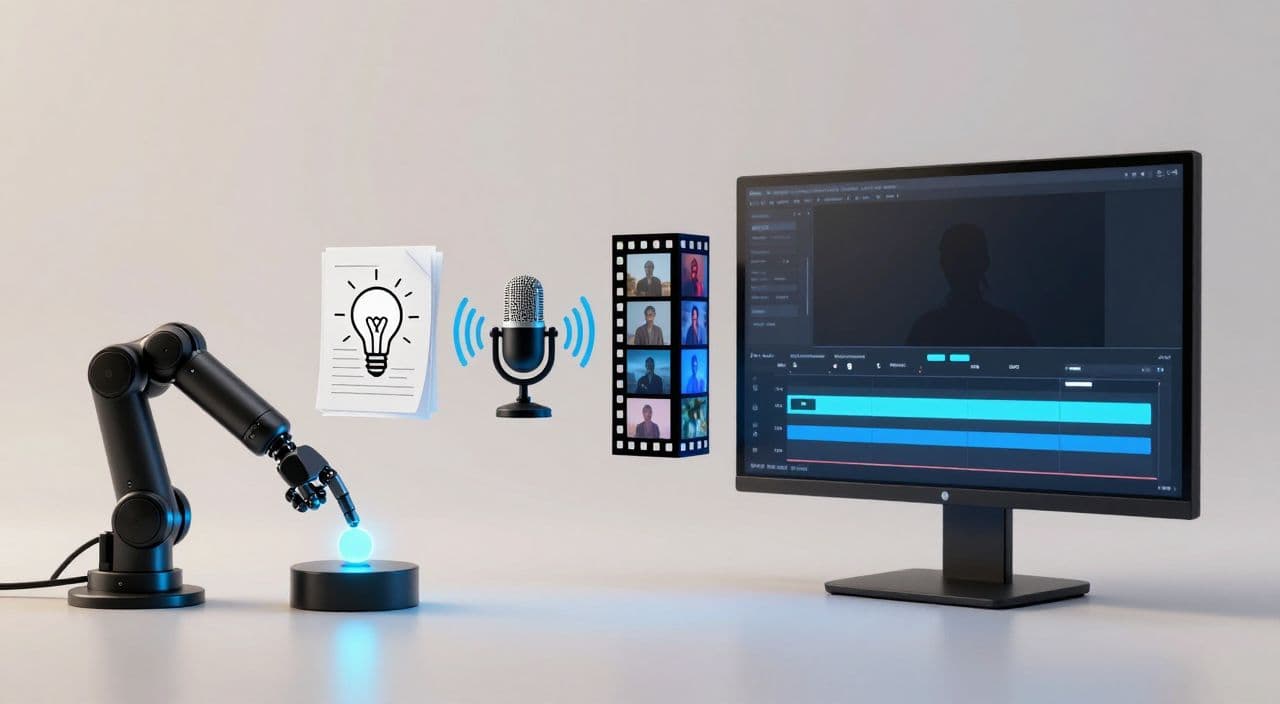
Most “YouTube automation” advice jumps straight into tools and screenshots. That’s backwards. If you want a one-click long-form machine, you first need a simple, repeatable workflow that doesn’t depend on you being a developer.
Let’s build that workflow step by step, then look at how to implement it without touching code.
Why Long-Form Faceless Is Worth Automating
If you’re going to automate anything, make it the format that compounds.
Long-form faceless videos (10-180 minutes) are better business assets than Shorts because:
- They generate more watch time per viewer session (sleep, study, chores, background listening).
- They can carry multiple ad slots in a single play.
- They lend themselves to “library building” - playlists of sleep stories, documentaries, explainers.
If you’re already publishing a few videos and want to scale to 2-7 per week, your biggest problem isn’t ideas. It’s the glue work between tools.
Why “YouTube Automation” Got So Messy
Most intermediate creators end up here:
- ChatGPT for ideas and scripts
- Separate TTS/voiceover app
- Image generator + stock sites
- Video editor (CapCut, Premiere, etc.)
- Canva/Photoshop for thumbnails
Every video becomes a mini project. Files everywhere, 15 tabs open, and 6-12 hours gone for a single 20-40 minute upload.
Then you see n8n or Make tutorials promising “one-click videos” - but they require APIs, JSON, webhooks, and debugging. Power is there, but so is complexity.
If you’re not technical, you don’t need more tools. You need a clear pipeline and a way to execute it with as few decisions as possible.
The 5 Stages of a Long-Form Automation Pipeline
Forget tools for a second. A scalable faceless workflow has five stages:
- Ideation & Topic Selection
- Script Generation & Structure
- Voiceover Production
- Visuals & B-roll
- Assembly, Rendering & Thumbnail
Your goal is to turn each stage into a template, so per-video work becomes “fill in one field, review, publish” instead of reinventing the wheel.
1. Ideation & Topic Selection
You don’t need fancy automation here. You need constraints.
Pick one or two formats and lock them in, for example:
- Sleep: “1-hour calming story based on [mythology / cozy fantasy / slow travel].”
- Documentary: “30-minute breakdown of [historical event / tech company /人物].”
- Explainer: “20-minute ‘for beginners’ guide to [concept].”
- AI stories: “Episode X of [ongoing universe / character arc].”
Decide:
- Typical video length (e.g., 20, 45, 120 minutes).
- Target viewer scenario (falling asleep, studying, learning on commute).
Now your “idea” per video is just a topic within that format, not a brand-new concept.
2. Script Generation & Structure
This is where most AI content falls apart: no structure, weak pacing, and no sense of chapters.
For long-form, always work from an outline. For example:
Sleep story template (60-120 min):
- Soft intro (set expectations, calm the viewer)
- Scene 1-5 (slow, descriptive, low stakes)
- Gentle resolution
- Long, repetitive wind-down
Documentary template (30-60 min):
- Hook (why this topic matters)
- Context / background
- 3-5 chapters (chronological or thematic)
- Takeaways / closing thoughts
When you use AI to draft scripts, feed it:
- The format (“sleep story” vs “documentary”)
- Target duration
- Chapter structure
Then treat the output as a first draft. Your job is to:
- Tighten the hook and first 60-90 seconds.
- Remove obvious hallucinations or inaccuracies.
- Check pacing: no dense info dumps in sleep videos; no endless fluff in explainers.
3. Voiceover: Decide Once, Reuse Forever
In long-form, voice consistency is part of your brand.
Decide upfront:
- 1-2 voices per channel (e.g., “calm female” for sleep, “neutral male” for docs).
- Default speed and tone.
- How you handle pauses between sections.
Then stop tweaking per video. Your “automation” here is standardization: the same settings applied every time so you’re not re-deciding basic parameters.
For sleep content, prioritize:
- Softer tone
- Slightly slower speed
- Natural but not dramatic emphasis
For explainers/docs:
- Clear, neutral tone
- Moderate speed
- Subtle emphasis on key terms
4. Visuals & B-Roll: Pick a Style Per Template
You don’t need cinematic editing to win with faceless long-form. You need coherent visuals that match the script and don’t distract.
Per template, decide:
- Sleep stories: Mostly static or slow-pan AI images, soft color palette.
- Mythology / AI stories: Stylized AI art or simple animations.
- Documentaries: Stock footage, simple motion graphics, maps, timelines.
- Explainers: Diagrams, slides, simple text overlays.
Your rules:
- 1 visual change every 10-30 seconds, depending on pace.
- Avoid jarring cuts and hyperactive transitions.
- Reuse visual motifs (same style for all Greek myth videos, etc.).
Again, the aim is to configure once, then repeat.
5. Assembly, Rendering & Thumbnail
This is where creators burn time: dragging assets into the editor, aligning audio, exporting, then opening another app for thumbnails.
To “one-click” this, you want:
- A way to map script sections to scenes automatically.
- Predefined transitions and text styles.
- Thumbnail templates tied to your series (e.g., “Sleep Story #X - [Title]”).
Think in systems:
- One thumbnail style per series, only the text and main image change.
- One intro/outro format per template.
- One export setting per channel.
When DIY No-Code Stacks Make Sense (and When They Don’t)
n8n/Airtable/JSON2Video-style setups are great if:
- You enjoy tinkering and debugging.
- You’re comfortable with APIs, tokens, and logs.
- You want to swap providers frequently (e.g., test 5 different TTS engines).
They’re a bad fit if:
- You freeze when a tutorial mentions “webhook” or “HTTP node.”
- You don’t want your publishing schedule to depend on you fixing a broken automation.
- You’d rather spend your limited time picking topics and reviewing scripts.
If that’s you, you’re better off with a hosted, integrated platform that already wires the pieces together.
How AutoTube.pro Fits Into This Workflow
If you want the benefits of a no-code stack without building one, AutoTube.pro is one way to implement the pipeline above without touching code.
Here’s how it maps:
- Ideation & templates: You define channel templates (sleep stories, documentaries, explainers, AI stories) with target length, structure, and tone.
- Script generation: AutoTube.pro generates long-form scripts tuned for your template (5-180 minutes), with chapter-style structure instead of short-form fluff.
- Voiceover: Choose from multiple AI voices, set your defaults once, and reuse them so every video in a series sounds consistent.
- Visuals & stock: AutoTube.pro generates media for scenes and integrates stock footage, then auto-matches visuals to script segments.
- Assembly & rendering: The platform handles the full assembly and export, so you’re not dragging files between tools.
- Thumbnails: It suggests thumbnail concepts from your topic/script and lets you design them in a built-in, Canva-style drag-and-drop editor - no need to open a separate design app.
Your “one-click” routine becomes:
- Enter topic or angle.
- Select your template (e.g., 45-minute tech explainer, 2-hour sleep story).
- Generate script + video + thumbnail.
- Review and tweak the script and thumbnail.
- Render and upload.
Instead of juggling 6-10 tools, you’re operating a single long-form machine built specifically for faceless YouTube content from 5 minutes up to 3 hours.
FAQ: Automating Faceless Long-Form Without Coding
Is AI-generated, faceless content monetizable on YouTube?
Yes, AI-generated faceless content can be monetized as long as it follows YouTube’s policies. Focus on original value (structure, curation, narration) rather than raw, unedited AI dumps, and avoid reusing copyrighted material without permission.
Does YouTube penalize AI voiceovers?
YouTube does not automatically penalize AI voiceovers; it cares more about policy compliance and viewer experience. If your audio is clear, understandable, and part of genuinely useful or entertaining content, AI narration is generally acceptable.
How long should faceless YouTube videos be for good monetization?
For faceless long-form channels, 10-60 minutes is a strong starting range, and some sleep or background channels go up to 2-3 hours. Longer videos can support more ads and watch time, but only if the format naturally fits extended viewing (sleep, study, deep dives).
How many long-form videos per week should I aim for?
Aim for a sustainable cadence, often 2-4 long-form videos per week once your workflow is systemized. Consistency matters more than raw volume, so choose a schedule you can maintain for months.
Will automated workflows make my channel feel low quality?
Automation doesn’t have to mean low quality if you keep human review in the loop. Use automation for drafting, assembly, and rendering, but manually check hooks, accuracy, and pacing before publishing.
Do I need to show my face to build trust with long-form videos?
You don’t need to show your face if your content delivers value through clear structure, consistent voice, and reliable information or comfort. Many successful channels build trust via predictable formats, series, and high production consistency instead of on-camera presence.
Next Step
If you like the idea of a one-click long-form machine but don’t want to wire n8n and APIs, try building a single template inside AutoTube.pro - for example, a 30-minute explainer or a 90-minute sleep story - and see how far you can get from topic to rendered video and thumbnail with one integrated workflow.