Most creators don’t switch to an all-in-one platform because of “features.” They switch because they’re tired of 15 tabs, broken automations, and videos that take days instead of hours.
If you’re already running a faceless channel with 20-90 minute videos (sleep, documentaries, explainers, stories), the real question isn’t “Which tool is best?” It’s: Where do I want the complexity to live - in my stack, or inside a platform?
Let’s walk through that decision in a way that’s actually useful.
Why This Question Matters More for Long-Form Than Shorts
Shorts can survive a messy stack. A 30-60 second clip is cheap to redo, quick to render, and doesn’t need deep structure.
A 60-180 minute video is different:
- You have thousands of words of script to organize.
- You have dozens or hundreds of visual beats to line up.
- A render crash at 95% is hours lost, not minutes.
If you’re in sleep, AI stories, or documentary niches, you feel this first. A single 2-hour sleep story can mean:
- 4-8 scenes of narrative arc.
- 120+ minutes of uninterrupted voiceover.
- Enough visuals to avoid obvious looping fatigue.
The longer the video, the more your operational system becomes your competitive edge.
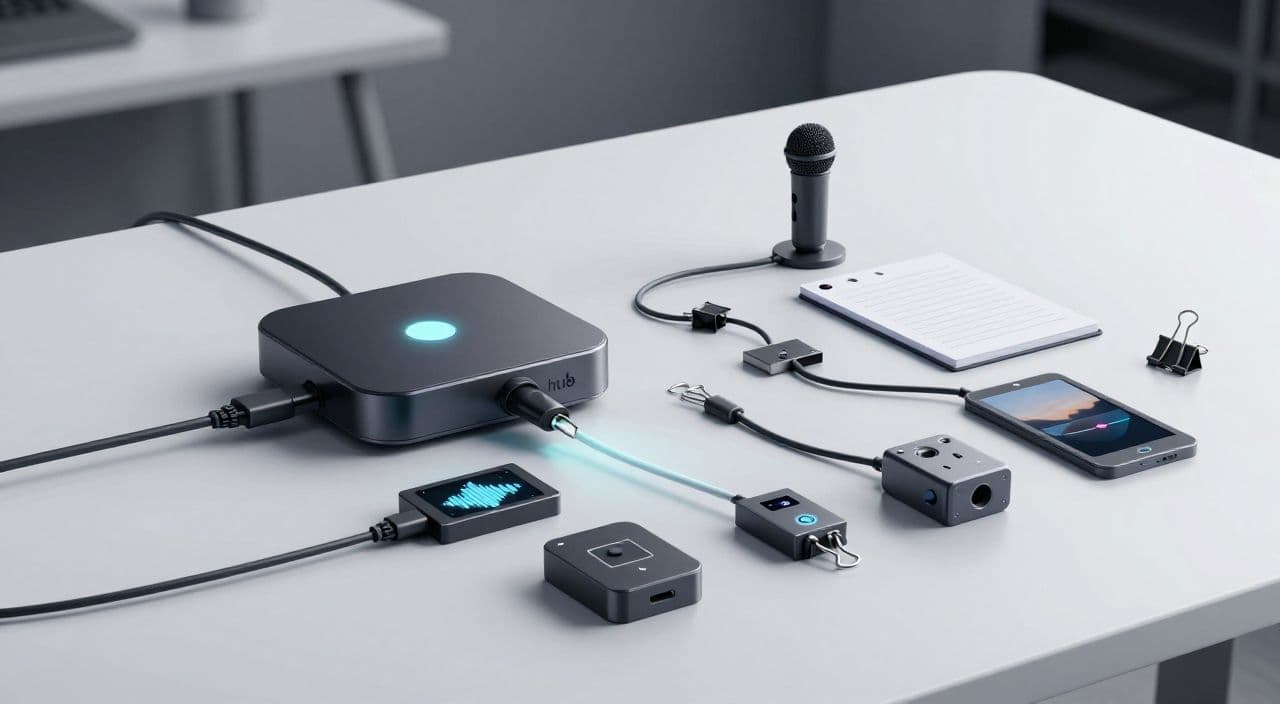
What a Typical 7-Tool DIY Automation Stack Looks Like
Most intermediate creators end up with some version of this:
- Ideation & script - ChatGPT/Claude + Google Docs/Notion
- Voiceover - ElevenLabs, Coqui, or similar
- Visuals - Midjourney/Flux + Pexels/Storyblocks/B-roll packs
- Assembly - CapCut, Premiere, DaVinci, Descript, or a web editor
- Audio cleanup - Audacity or built-in tools
- Thumbnail - Canva or Photoshop
- Automation glue - n8n/Make/Zapier, or manual copy-paste
For a 10-minute explainer, this is manageable. For a 90-minute mythology documentary or 3-hour sleep video, the friction compounds:
- Version control hell (which script did you render?).
- Re-exporting after tiny fixes.
- API limits or workflow breaks if you’re using n8n/Make.
Where DIY Stacks Work Well
A multi-tool or no-code stack is a good fit if:
- You enjoy building systems and debugging webhooks.
- You need custom data sources (e.g., pulling from your own API).
- You publish across many platforms, not just YouTube.
For everyone else, the question becomes: How much “ops” do I want to own?
What “All-in-One AI YouTube Platform” Actually Means
Ignore the marketing for a second. Functionally, an all-in-one stack should cover:
- Ideation - topic ideas and angles.
- Scripting - structured, long-form-friendly scripts.
- Voiceover - consistent AI voices you can reuse.
- Visuals - AI images and/or stock footage aligned to the script.
- Assembly & render - timeline, transitions, and export.
- Thumbnail - design without leaving the workflow.
For long-form, there are extra, non-negotiable requirements:
- Length support - 5 to 180 minutes without hacks.
- Render stability - multi-hour projects without constant crashes.
- Asset organization - scenes, voice files, and visuals stay linked.
Many “AI video” tools check boxes 1-4 but quietly fail on long-form: hard limits on duration, poor handling of multi-hour audio, or timelines that become unusable at scale.
One-Tool vs. Seven-Tool: The Real Trade-Offs
1. Setup Time & Learning Curve
- DIY stack: Faster to start (you already use these tools), but slower to standardize. You must define your own naming, folder structures, and checklists.
- All-in-one: Slower first week (new UI, new way of thinking), but faster to repeat once you lock in templates.
If you’re planning to publish dozens of similar videos (e.g., a sleep series, a mythology playlist, or weekly explainers), the upfront investment in a unified workflow compounds.
2. Per-Video Production Time
For a 45-90 minute video, a realistic DIY flow often looks like:
- 1-2 hours: research + script.
- 30-60 minutes: voiceover generation, downloads, edits.
- 2-4 hours: visuals, timeline assembly, adjustments.
- 30-60 minutes: thumbnail + upload assets.
You can absolutely compress this with practice and templates, but the context switching never fully goes away.
An all-in-one platform can’t magically remove thinking work (you still choose topics, review scripts, and adjust pacing), but it can:
- Collapse file handoffs between tools.
- Reduce “where was that asset?” moments.
- Turn “open seven apps” into “open one project.”
3. Cost & Subscription Creep
DIY stacks feel cheap because each line item is small. But add up:
- AI writer
- TTS
- Stock footage or images
- Editor (desktop license or SaaS)
- Thumbnail tool
- Automation platform (if used)
The harder part is not the raw dollars; it’s that you don’t know your true cost per video. That makes it harder to decide, for example, if a 3-hour sleep video is worth producing weekly.
4. Reliability & Debugging
With DIY:
- You own the integration risk. If an API changes or a tool throttles you, you fix it.
- Long-form exposes edge cases: long audio files, big project files, timeouts.
With an all-in-one:
- You trade some flexibility for the expectation that “this just works” at 5, 60, or 180 minutes.
- You’re betting that the platform has already hit (and solved) the edge cases you’d otherwise discover the hard way.
A Simple Framework to Choose Your Stack
Ask yourself three questions:
-
What’s my main bottleneck right now?
- Ideas, scripts, production time, or consistency?
-
Am I a creator who likes tinkering, or do I just want output?
- If you love n8n and JSON, DIY might be part of your edge.
- If you dread debugging, that’s a signal.
-
How many similar videos do I want to produce this year?
- For a handful of “passion projects,” DIY is fine.
- For a library of sleep stories, lore breakdowns, or explainers, standardization wins.
Once you answer those, the choice between one-tool vs seven-tool usually becomes obvious.
FAQ: Long-Form Faceless YouTube, AI, and Automation
Is AI-generated content monetizable on YouTube?
Yes, AI-generated content can be monetized on YouTube as long as it follows YouTube’s policies and provides original value. Focus on adding your own angle through topic selection, structure, pacing, and how you combine visuals and narration.
Does YouTube penalize AI voiceovers?
YouTube does not automatically penalize AI voiceovers; it cares more about viewer experience and policy compliance. If your audio is clear, non-spammy, and paired with meaningful visuals, AI narration can work for monetized channels.
How long should faceless YouTube videos be for good RPM?
There is no magic length, but long-form videos (20+ minutes) often have more ad slots and can benefit from higher total watch time. In niches like sleep, documentaries, and deep-dive explainers, 45-180 minute videos align well with how viewers actually watch.
Are sleep and “study with me” style videos still worth starting?
They can be, especially if you bring a specific angle like niche topics (mythology sleep stories, obscure history, calm science explainers). The key is consistent publishing and maintaining quality across very long runtimes, not chasing one viral video.
Will using AI scripts make my channel feel generic?
It can, if you copy raw outputs. The safer approach is to use AI for structure, outlines, and first drafts, then inject your own perspective, examples, and phrasing during editing so the final script feels intentional and on-brand.
How AutoTube.pro Fits Into This Workflow
If you’ve decided you’d rather own less complexity and you’re specifically building long-form faceless content, an all-in-one platform starts to make sense.
AutoTube.pro is built around that exact use case:
-
End-to-end pipeline for 5-180 minute videos
From idea → long-form script → AI voiceover → visuals (AI images + stock) → assembled video → thumbnail, all in one place. You’re working inside a single project instead of shuffling files between apps. -
Designed for sleep, stories, explainers, and documentaries
The scripting and voiceover flow is tuned for continuous narration formats, not just 60-second clips or avatar sales videos. That matters when you’re producing 1-3 hour sleep content or deep-dive explainers. -
Long-form-aware rendering
The rendering pipeline is built with multi-hour exports in mind, so you’re not fighting arbitrary length caps that are common in “shorts-first” tools. -
Built-in thumbnail editor
You can design your thumbnail inside AutoTube.pro using a Canvas-style drag-and-drop editor. That means no extra Canva/Photoshop tab and no exporting/importing assets just to finish the last step.
In practice, this lets an intermediate creator turn “seven tools and a Notion checklist” into “one repeatable production system.” You still control creative direction - topics, tone, pacing - but the plumbing is handled for you.
If you’re currently juggling a 7-tool stack, run a simple experiment: produce your next 30-90 minute video - or a pilot sleep/documentary episode - entirely inside AutoTube.pro and compare total time, friction, and how repeatable it feels against your current workflow.