Most creators overcomplicate long-form. They binge “automation” videos, open 10 tools, and still don’t have a single 20-60 minute upload. The way out is not another hack; it’s a simple, repeatable workflow you can run every week without burning out.
Below is a practical system you can follow even if you’ve never edited before. It’s built for faceless, AI-driven channels in niches like sleep, explainers, documentaries, and AI stories.
Why Long-Form Faceless Is Worth Building Around
Shorts are good for spikes of attention; long-form is better for building a business. A 20-60 minute video gives YouTube more ad inventory, more watch time, and more chances to recommend your content.
Faceless + AI is realistic for solo creators because you remove the biggest bottlenecks: filming yourself, re-recording, and manual editing. Your job becomes: choose angles, shape the story, and review what AI creates.
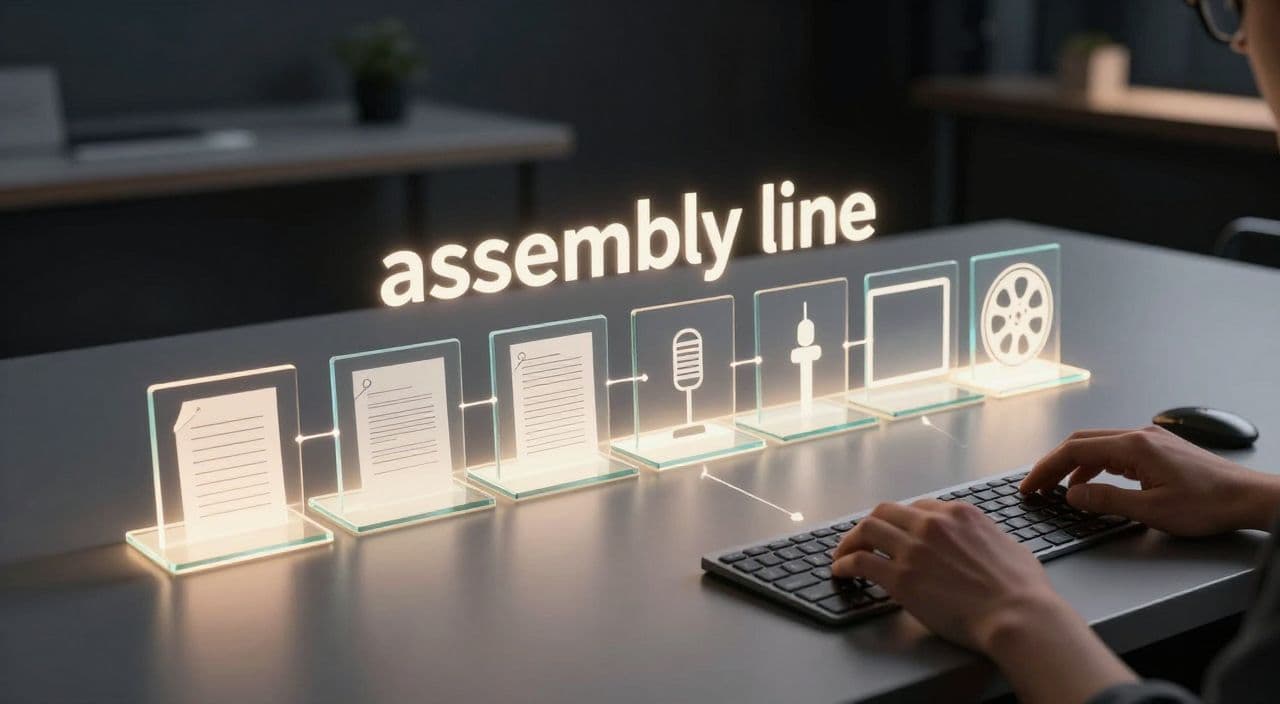
The 6-Stage Workflow for Long-Form Faceless Videos
Think in stages, not tools. Your workflow:
- Research & validate topic
- Outline & structure
- Script
- Voiceover
- Visuals & assembly
- Render, thumbnail, upload
You can do this with a messy stack or a single platform later. For now, understand what each stage needs.
Stage 1 - Research and Validate Your Idea
For long-form, the question isn’t “Is this topic popular?” but “Can I talk about this for 20-60 minutes without filler?”
Pick a long-form-friendly angle
By niche:
- Sleep: “The most boring possible version” of an interesting topic.
- Example: instead of “History of Rome,” use “A Slow Walk Through Daily Life in Ancient Rome.”
- Documentaries: a clear story with beginning, middle, end.
- Example: “How Netflix Nearly Died Before It Won.”
- Explainers: a complex topic broken into digestible parts.
- Example: “AI for Beginners: How Neural Networks Actually Work.”
- Stories: self-contained episodes.
- Example: “One Night in the Haunted Lighthouse - Full Story.”
Quick validation checks:
- Are there similar long videos (20+ minutes) with real views?
- Can you list at least 5-10 subtopics or chapters in 5 minutes?
- Does the topic attract search or strong curiosity (e.g., “why,” “how,” “the story behind”)?
Use AI to expand and score ideas
Ask your AI assistant to:
- Generate 20 angle ideas inside your niche.
- Label each as sleep / docu / explainer / story.
- Suggest which ones are easiest to stretch to 30-60 minutes and why.
Keep a simple spreadsheet: topic, angle, niche type, difficulty, notes.
Stage 2 - Turn the Idea Into a Long-Form Outline
You don’t write 60 minutes; you write 1-2 minutes at a time.
Use a chapter-based structure
A simple template:
- Hook (30-60 seconds) - why this story/idea matters
- Context (2-4 minutes) - setup, definitions, background
- 5-10 main chapters (3-6 minutes each)
- Wrap-up (2-3 minutes) - summary, takeaway, light CTA
For sleep content, slow this down: longer chapters, more repetition, fewer sharp transitions.
Scene-based thinking
For most explainers/docs:
- Plan on 1-2 minutes per scene.
- A 40-minute video = ~20-30 scenes.
For sleep videos:
- 3-5 minutes per scene is fine, with minimal visual changes to avoid stimulation.
Use AI to turn your topic into:
- A list of 8-12 chapters
- 2-3 bullet points per chapter
- Notes on tone (e.g., “calm, descriptive, low energy” for sleep)
Edit this outline manually. This is where you add your angle and judgment.
Stage 3 - Generate a Script That Doesn’t Sound Like a Bot
AI scripts are boring when you ask for “a YouTube script about X” and hit copy-paste. You need to feed structure and constraints.
Tailor to your niche
- Sleep:
- Short sentences, lots of sensory detail, repetition, no cliffhangers.
- Example instruction: “Write this as a slow, soothing bedtime story. Avoid intense language, keep tension low.”
- Documentaries:
- Narrative arc: setup → conflict → turning points → resolution.
- Example: “Emphasize key decisions and turning points, include dates and places.”
- Explainers:
- Clear definitions, analogies, mini-examples.
- Example: “Explain as if to a smart 14-year-old. Use analogies from daily life.”
Workflow:
- Feed the outline and niche instructions to your AI.
- Generate chapter by chapter, not the whole 60 minutes at once.
- After each chapter, ask AI to simplify complex sentences and add 1-2 concrete examples.
Aim for word count that matches your target length:
- Normal pacing: ~140-160 words per minute.
- Sleep pacing: ~100-120 words per minute.
So a 30-minute explainer is roughly 4,500-5,000 words; a 60-minute sleep story might be ~6,000-7,000 slower words.
Stage 4 - Create a Consistent AI Voiceover
Your voice defines the channel more than your visuals.
Pick voice and pace by niche
- Sleep: soft, low-energy, slightly slower than normal speech.
- Explainers: clear, neutral, moderate pace.
- Documentaries: calm but expressive, with emphasis on key phrases.
Process:
- Generate the voiceover per scene or chapter, not as one huge file.
- Listen for mispronunciations of names, brands, or technical terms; correct the script or add pronunciation hints.
- Keep the same voice and settings across episodes to build familiarity.
Estimate duration by checking audio length rather than trusting word count alone; adjust by trimming or expanding sections.
Stage 5 - Build Visuals Without Becoming an Editor
You don’t need cinematic editing to win in long-form faceless. You need relevant, non-distracting visuals that match the narration.
Visual strategies that work
- Stock footage + photos + simple transitions for explainers/docs.
- AI-generated images for abstract or historical scenes.
- Slow pans/zooms and subtle movement to avoid static screens.
Guidelines:
- For explainers/docs: change visual every 10-30 seconds, or at least at each sub-point.
- For sleep: you can loop gentle visuals (night sky, slow river, abstract patterns) for several minutes.
Map your script scenes to visual blocks:
- One chapter = 2-4 visual blocks.
- Note visual ideas directly on your outline: “Scene 3: factory floor footage,” “Scene 5: AI-generated map of ancient Rome.”
Stage 6 - Render, Thumbnail, and Upload
Technical friction kills consistency, so standardize your settings.
Basic settings for YouTube long-form:
- 16:9 aspect ratio
- 1080p is usually enough to start
- 24 or 30 fps, consistent across videos
Before upload, run a quick checklist:
- Title: clear promise, main keyword, no clickbait you can’t deliver on
- Description: short summary, relevant keywords, any sources
- Chapters: timestamps for each main chapter to help navigation
- Playlist: add to a series playlist to boost session watch time
How AutoTube.pro Fits Into This Workflow
You can stitch this workflow together with multiple tools, or you can centralize it. AutoTube.pro is one option built specifically for long-form faceless YouTube (5 minutes up to 3 hours), so it maps directly onto the stages above.
Here’s how it aligns:
- Ideation & scripting: Generate and refine long-form scripts scene-by-scene for sleep videos, explainers, documentaries, or AI stories, keeping everything structured inside one project.
- AI voiceover: Choose from multiple AI voices, generate chapter-based audio, and re-generate specific lines without rebuilding the whole track.
- Visuals: Combine AI-generated images with integrated stock footage, then align them to your script/voiceover using a scene editor instead of a traditional timeline.
- Rendering: Offload rendering to the cloud, which is especially useful for 60-minute+ or 3-hour sleep videos that can choke a modest laptop.
- Thumbnails: Use the built-in Canvas-style thumbnail editor and AI thumbnail suggestions to design thumbnails without leaving the platform or opening Canva/Photoshop.
The practical upside: you replace a 5-7 tool stack with a single workspace that covers idea → script → voiceover → visuals → render → thumbnail for long-form faceless content.
FAQ: Long-Form Faceless YouTube and AI
Is AI-generated content monetizable on YouTube?
Yes, AI-generated content can be monetizable if it’s original, adds value, and follows YouTube’s policies. YouTube cares more about reuse and spam than about whether you used AI, so focus on unique scripts, real structure, and helpful or engaging content.
Does YouTube penalize AI voiceovers?
YouTube does not automatically penalize AI voiceovers. What gets penalized is low-quality, repetitive, or misleading content, regardless of whether the voice is human or synthetic, so prioritize clarity, pacing, and genuine usefulness.
How long should faceless YouTube videos be for good revenue potential?
For faceless channels, 10+ minutes unlocks mid-roll ads, but 20-60 minutes is a strong range for building deep watch time. Sleep and background niches can go 1-3 hours, as long as the pacing and audio quality justify the length.
Are long-form sleep videos still worth starting now?
Yes, sleep and “background listening” niches are still viable because demand is ongoing and not trend-dependent. The key is consistent uploads, calm and clean audio, and topics that feel safe and low-stimulus for listeners.
I’m worried AI scripts will feel generic. How do I avoid that?
You avoid generic output by giving AI strong inputs: detailed outlines, niche-specific tone instructions, and concrete examples you want included. Always review and lightly edit the script so it reflects a clear angle rather than a generic encyclopedia entry.
Do I need editing skills to run a long-form faceless channel?
You don’t need traditional editing skills if your workflow uses scene-based assembly and simple transitions. Focus on structuring your story, matching visuals to narration, and keeping audio clean; the technical side can be handled by user-friendly or all-in-one tools.
If you want to test this workflow without juggling multiple subscriptions, try building a single 20-30 minute video inside AutoTube.pro from idea to rendered file and thumbnail; if that feels smoother than your current stack, use it as your template for a consistent long-form publishing schedule.