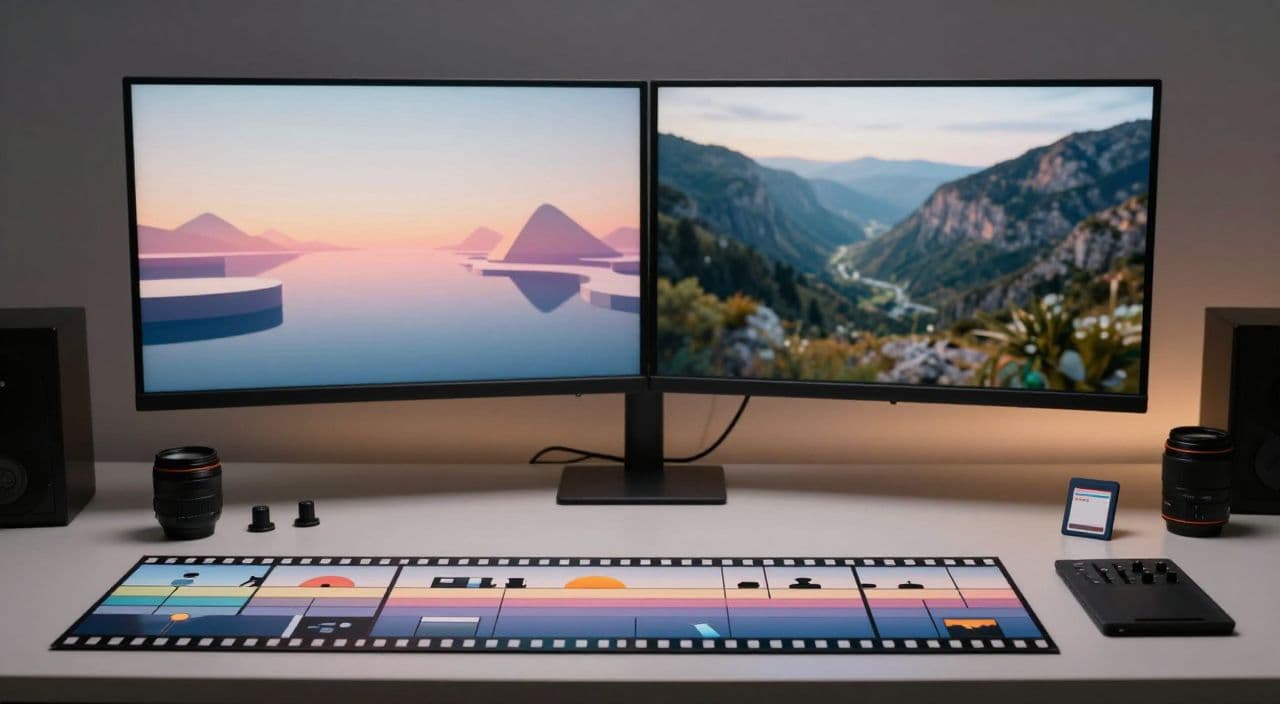
Most faceless creators obsess over scripts and voices, then throw whatever visuals they can find on top. That works for a 30-second Short; it breaks in a 40-180 minute video.
If you want long-form faceless videos that actually hold attention (and earn real watch time), you need a simple, intentional visual strategy: when to use AI-generated scenes, when to lean on stock footage, and how to mix them without your video feeling like a patchwork.
Let’s walk through a practical, tool-agnostic approach first, then we’ll look at how to streamline it.
Why Visual Strategy Matters More in Long-Form Faceless Content
In faceless long-form, visuals and voiceover are the product. There’s no host, no set, no reactions to carry weak visuals.
In niches like:
- 2-3 hour sleep history videos
- 30-60 minute AI explainers
- 45+ minute documentaries or narrated stories
your viewer is mostly listening while glancing at the screen. If visuals are repetitive, jarring, or irrelevant, they’ll drop off or switch to another channel.
Shorts can get away with chaotic visuals because they only need attention for 15 seconds. Long-form is different: you’re managing fatigue. The job of your visuals is to:
- Match the mood and pacing
- Make abstract ideas feel concrete
- Gently reset attention every 10-60 seconds without being loud or distracting
Where AI Visuals Shine (and Where They Don’t)
Best use cases for AI visuals
AI visuals are strongest when reality is hard or impossible to film:
- Abstract concepts: mindset, economic forces, algorithms, philosophy, complex science
- Fantasy / myths / alternate history: gods, legends, speculative futures, “what if” scenarios
- Invisible or microscopic worlds: neural networks, atoms, cells, data flows
Examples by niche:
- Sleep stories: soft, consistent illustrations of castles, ancient cities, or cosmic scenes, with slow pans/zooms
- AI documentaries: diagrams, timelines, maps, process visualizations
- Explainers: simple, flat-style graphics showing steps, flows, comparisons
- Storytelling: character portraits, key scenes, emotional beats
Common pitfalls with AI visuals in long-form
- Style inconsistency: 100+ scenes made with slightly different prompts look like 10 different artists.
- “Too AI” look: over-sharpened, surreal, or glitchy images break immersion, especially for serious topics.
- Time sink: bouncing between prompt tweaks, generations, downloads, and manual imports can eat your whole day.
The fix: choose a narrow visual style per video (e.g., “soft watercolor night scenes”) and reuse/iterate on a small set of prompts instead of reinventing every scene.
Where Stock Footage Wins (and Its Limits)
Best use cases for stock footage
Stock footage is still king for grounded, real-world context:
- Nature and landscapes: oceans, forests, mountains, space
- Cities and people: skylines, traffic, office work, crowds
- Generic B-roll: typing on laptop, factory lines, classrooms, labs
Examples by niche:
- Sleep videos: slow nature loops, city at night, stars, clouds
- Documentaries: industry shots, infrastructure, “life in X country” scenes
- Explainers: offices, tech labs, servers, daily life B-roll
Limitations of stock footage
- Generic feel: viewers see the same clips across multiple channels.
- Bad fit for specific or fictional scenes: “a dragon over medieval Kyoto at dusk” won’t exist in stock.
- Visual mismatch: mixing clips from different libraries can create jarring differences in color and camera movement.
You want stock for grounding and realism, not as your only visual language.
A Simple Framework: AI vs. Stock, Scene by Scene
When you have a script, don’t jump straight into downloading assets. First, classify each scene.
The 3-category scene framework
For every paragraph or beat, ask: “What type of thing is being described?”
-
Real-World Scene → Stock Footage
- “Factories in China ramped up production…”
- “In modern cities, people check their phones hundreds of times a day…”
-
Conceptual / Abstract Scene → AI Visuals
- “The algorithm learns from millions of data points…”
- “Imagine a world where Rome never fell…”
-
Hybrid / Transitional Scene → Mix
- “As she left the station, her mind drifted into a dream…”
- Start with stock (train station), then transition to AI (dream world).
Example: 5-scene mini sleep story
Narration snippet and visual choice:
-
“The city was falling asleep under a blanket of lights.”
→ Stock: slow aerial shot of a city at night. -
“Far above, a lone traveler drifted between the stars.”
→ AI: soft illustration of a cloaked figure among stars, slow zoom. -
“Inside the train, the gentle rhythm of the tracks lulled passengers to rest.”
→ Stock: interior of a night train, shallow depth of field. -
“In her mind, the map of the world unfolded like a glowing tapestry.”
→ AI: stylized glowing world map, subtle motion. -
“Dawn crept over the mountains as the city woke again.”
→ Stock: sunrise over mountains, slow time-lapse.
Notice the pattern: stock grounds the story, AI shows the inner world or impossible views.
Keeping Visuals Cohesive Over 60-180 Minutes
Style rules for AI visuals
- Pick one main style per video (e.g., “soft watercolor night scenes” or “flat pastel infographics”).
- Lock in aspect ratio and color palette early.
- Reuse prompts with minor changes (location, object) to keep characters and mood consistent.
Style rules for stock footage
- Favor clips with similar pacing (all slow, no sudden handheld chaos).
- Keep color grading roughly aligned: don’t jump from neon cyberpunk to washed-out daylight unless it’s a deliberate chapter break.
- For sleep content, avoid fast camera moves and jump cuts; think “screensaver,” not “music video.”
Use chapters and pattern resets
Divide long videos into chapters (10-20 minutes each):
- Within a chapter, keep visual style consistent.
- At chapter boundaries, you can shift the pattern (e.g., stock-heavy → more AI diagrams) to gently reset attention.
Rendering and Iterating Without Losing Days
Long-form rendering is painful if you treat the whole video as one monolith.
Better approach:
- Draft 1: Assign a rough visual type (AI vs. stock) per scene and use quick, not-perfect assets.
- Review pass: Watch at 1.25x speed and only flag weak scenes (boring, mismatched, jarring).
- Replace selectively: Regenerate AI images or swap stock for those scenes only.
- Re-render: Ideally at the scene or chapter level, not the entire 3-hour file every time.
This mindset - iterating at the scene level - matters more than any specific tool.
How AutoTube.pro Fits Into This Workflow
If you’re tired of juggling a script tool, AI image tool, stock site, voiceover app, and editor just to publish one 40-minute video, this is where an integrated stack helps.
AutoTube.pro is one option built specifically for long-form faceless YouTube (5 minutes up to 3 hours). Here’s how it maps to the workflow above:
- Script to scenes: Generate long-form scripts (sleep, explainers, documentaries, stories) with clear scene-level segments instead of a single wall of text.
- Scene-by-scene visual planning: For each scene, add a one-line visual brief and tag it as AI visual, stock footage, or both.
- AI visuals + stock in one place:
- Generate AI images for conceptual or fictional scenes.
- Pull integrated stock footage for real-world B-roll.
- Preview how AI and stock clips flow together before committing to a full render.
- Voiceover and rendering: Create AI voiceovers, sync them to your scene plan, and render full-length videos - including 1-3 hour sleep or documentary content - without hopping between editors.
- Thumbnails without extra tools: Use the built-in Canvas-style thumbnail editor with AI thumbnail suggestions to design thumbnails that match your video’s visual style, without needing Canva or Photoshop.
The key advantage is not “AI magic”; it’s that idea → script → visuals (AI + stock) → voiceover → render → thumbnail all live in one long-form-focused workflow.
FAQs: AI Visuals, Stock Footage, and Monetization
Is AI-generated content monetizable on YouTube?
Yes, AI-generated content can be monetized on YouTube as long as it’s original, adds value, and follows YouTube’s policies. Focus on unique scripts, thoughtful editing, and clear storytelling rather than raw, unedited AI outputs.
Does YouTube penalize AI voiceovers or visuals?
YouTube does not automatically penalize AI voiceovers or visuals. What hurts channels is low-quality, repetitive, or spammy content, regardless of how it’s made, so prioritize clarity, pacing, and viewer value.
How long should faceless YouTube videos be for good RPM?
There is no single “best” length, but longer videos (20-60+ minutes) can often earn more total watch time and ad slots than very short videos. For sleep, documentaries, and explainers, 30-180 minutes is common because viewers expect deep dives or long sessions.
Is it safe to mix stock footage from different sites?
It’s safe if you respect each site’s license terms and keep proof of your usage rights. From a viewer perspective, try to maintain visual consistency (color, pacing, resolution) so the mix doesn’t feel jarring.
Will repetitive visuals hurt retention on long sleep or study videos?
Repetitive visuals can hurt retention if they change too fast or feel disconnected from the audio. For sleep and study content, slow, consistent visuals with occasional gentle variations tend to work best.
Next Step: Test a Mixed-Visual Long-Form Video
If you’ve been defaulting to either “all stock” or “all AI,” run a simple experiment: plan your next 20-40 minute video scene by scene, tag each as AI or stock, and intentionally mix both using the framework above.
If you want to do that without 15 tabs open, you can try building that video inside AutoTube.pro - from script and voiceover to AI visuals, stock footage, rendering, and thumbnail - in a single long-form-focused workflow.